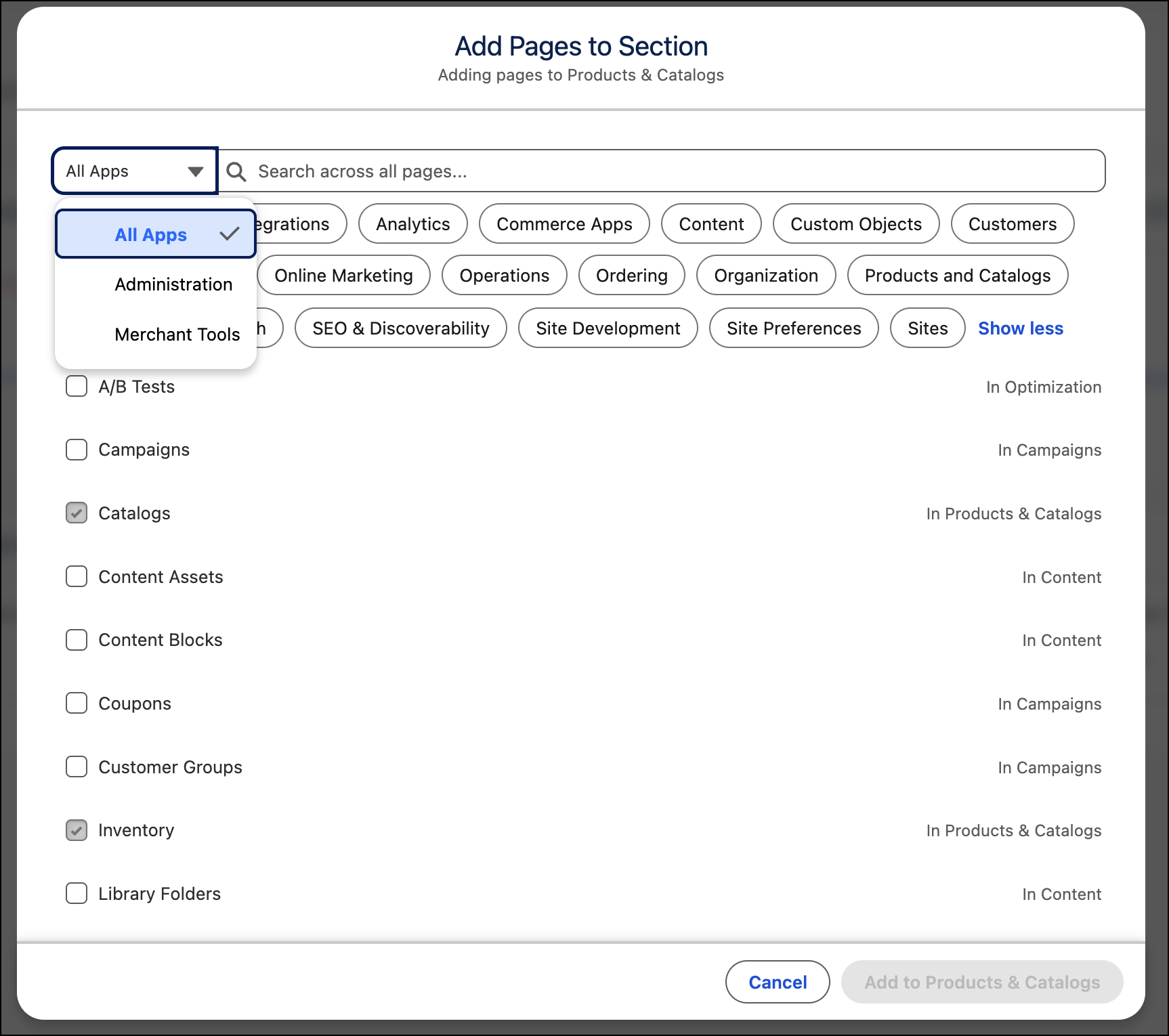
When you create or modify a custom app, zero in on the pages you want by narrowing your search with filters or by clicking one of the common section categories.
Where: This change applies to Business Manager in B2C Commerce.
How: In a custom app, hover over a section name in the left navigation pane, click the ellipsis next to it, and select Add Pages. Use the app selector or click a section to filter the search results.