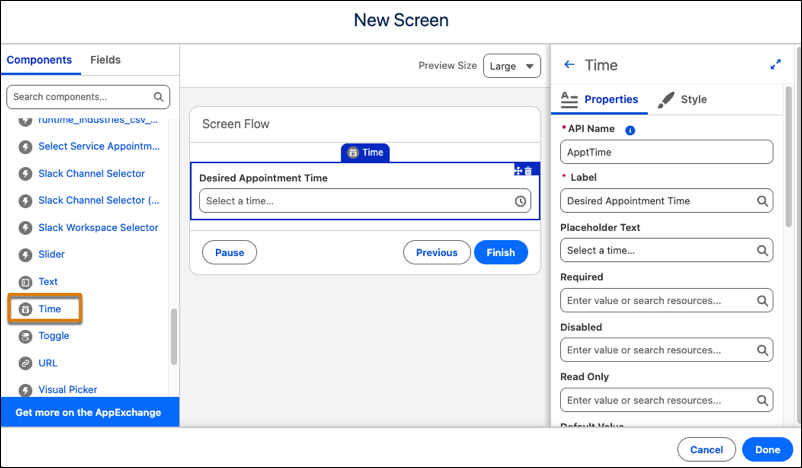
Use the Time component in a flow so your users can schedule service appointments, book reservations, and other scheduling needs. You can then use the component's output to update records or perform other tasks within the flow.
Where: This change applies to Lightning Experience in Starter Suite, Pro Suite, Enterprise, Performance, Unlimited, and Developer editions.
How: In Flow Builder, add the Time component to a screen. In the properties panel, configure the label and default value. Optionally, add placeholder text and set minimum or maximum time values to limit the range of selectable times.