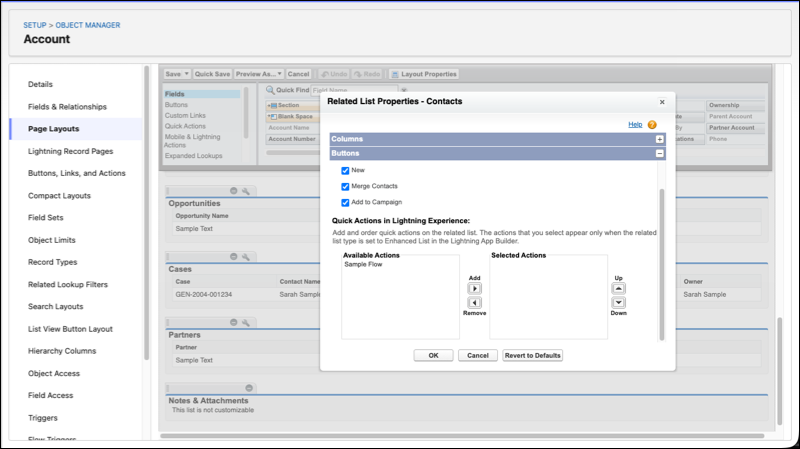
Run bulk operations without updating records individually or building complex workarounds. Configure a mass quick action on either a list view or related list to trigger a screen flow that receives the selected record IDs.
Where: This change applies to Lightning Experience in Professional, Enterprise, Performance, Unlimited, and Developer editions.
How: From Setup, go to Object Manager and select the object where the quick action lives. You can either use an existing Flow action or create an action of type Flow in Buttons, Links, and Action. For list views, add the flow quick action in the List View Button Layout page. For related lists, add the quick action to the related list in Page Layouts.