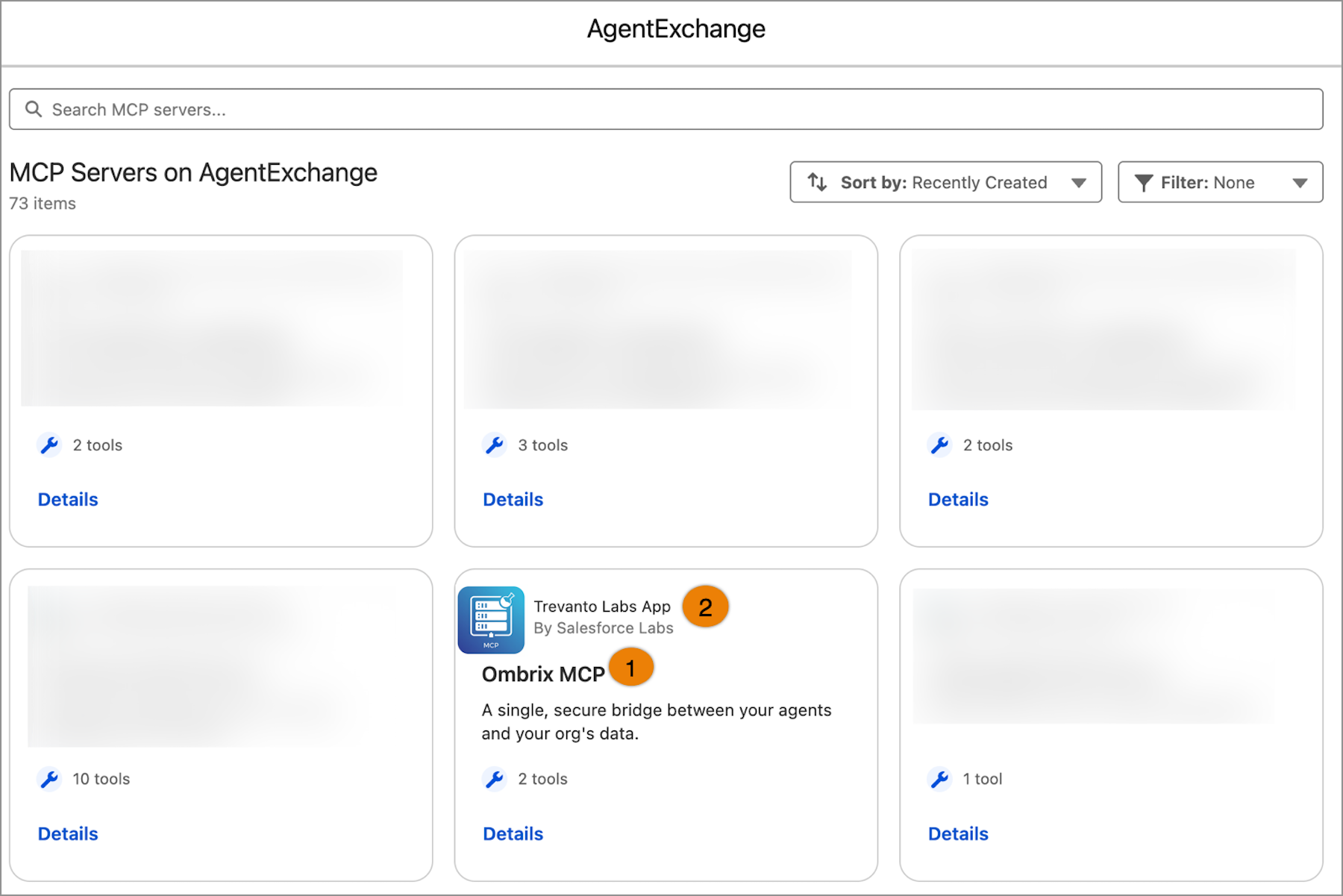
Discover and evaluate Model Context Protocol (MCP) servers more easily on AgentExchange in the Agentforce Registry. View each server's tools and its associated solutions on dedicated server cards before you decide to use them. Browse by server instead of by solution to find the right MCP servers to extend your agent’s functionality faster.
Who: This change impacts Agentforce admins and developers.
Where: This change applies to Agentforce Registry in Setup.
How: To browse MCP servers on AgentExchange, from Setup, in the Quick Find box, enter Agentforce Registry. Select Registered MCP Servers, then click New+ to open AgentExchange.
Each tile on the MCP Servers page shows the MCP server name (1) and the AgentExchange app (2) it belongs to. Select an MCP server to view detailed information about the server's capabilities and solution details.