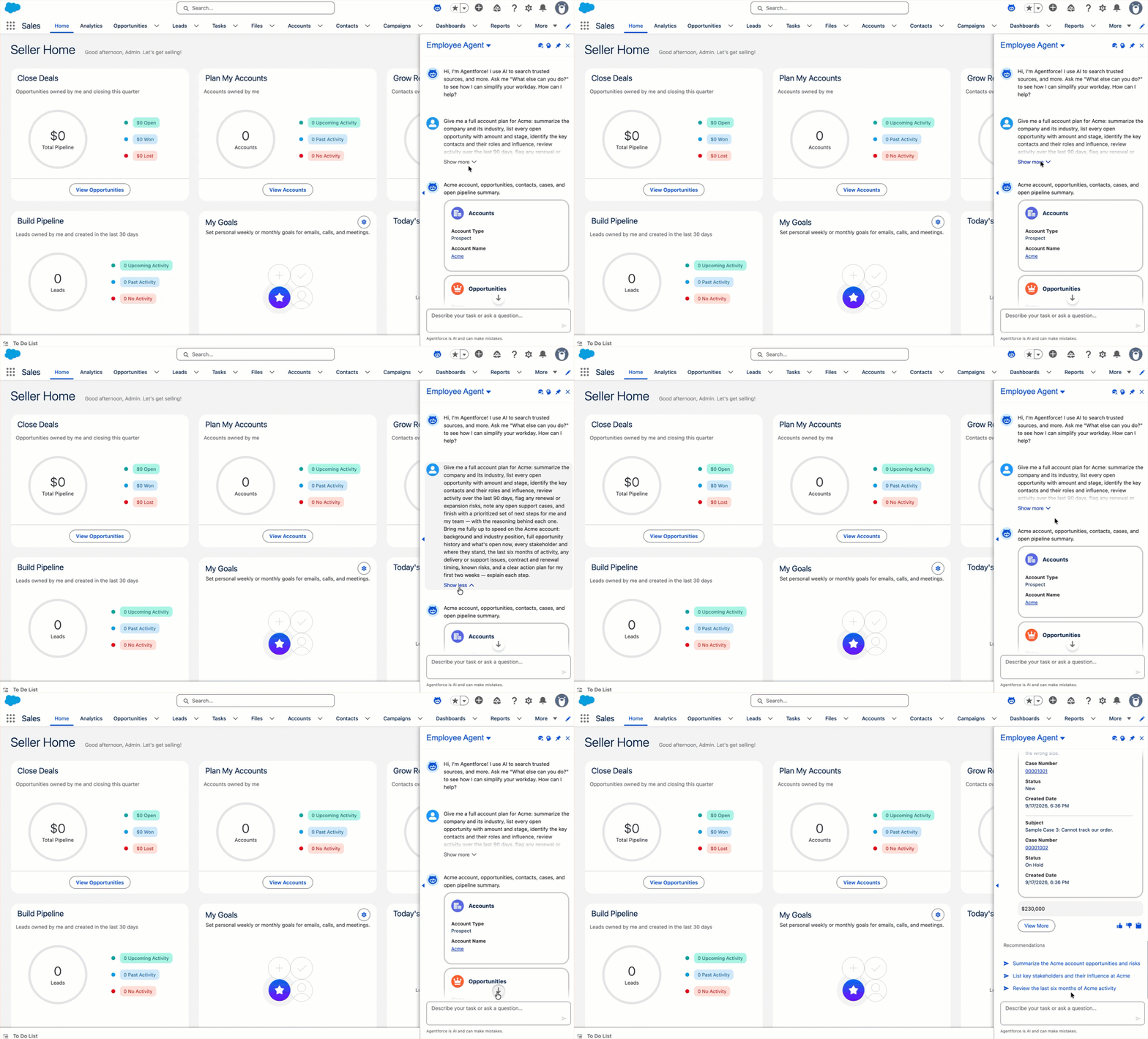
In the Agentforce panel, your prompt now stays at the top of the view while the Employee Agent's response appears below it, so you can read the response in the same view. You can also collapse your longer messages so they don't crowd out the response.
Where: This change applies to the Agentforce panel in Lightning Experience in all editions and reflects in your live Employee Agents.
How: This change requires no setup. Previously, a long Employee Agent response scrolled the panel to the bottom and pushed your prompt out of view. Now:
- Your prompt stays anchored at the top while the agent's response appears below it.
- A floating badge jumps you to the newest content whenever you want it.
- You can collapse a long message with Show more and Show less, so your own longer prompts don't push the answer out of view.