
Two new setup pages, App Hub and Templates, provide a centralized location to install, manage, and monitor Salesforce-provided and custom app templates. You can also create and upload custom templates for your org.
Where: This change applies to Tableau Next in Enterprise, Performance, and Unlimited editions.
How: From Setup, in the Quick Find box, enter Templated.
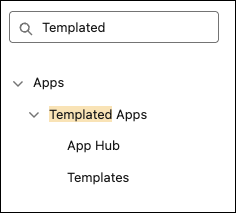
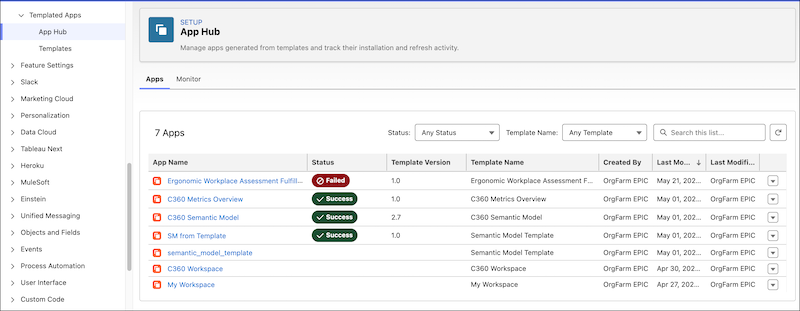
Under Templated Apps, select App Hub to manage and monitor your installed apps.
Select Templates to find and install templates.
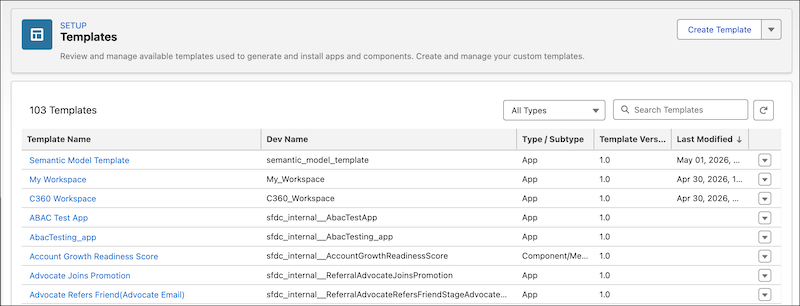
Templates include Tableau Next apps for Salesforce, Salesforce Flows, Data 360 semantic models, and Tableau Next assets, such as workspaces, dashboards, metrics, and visualizations.