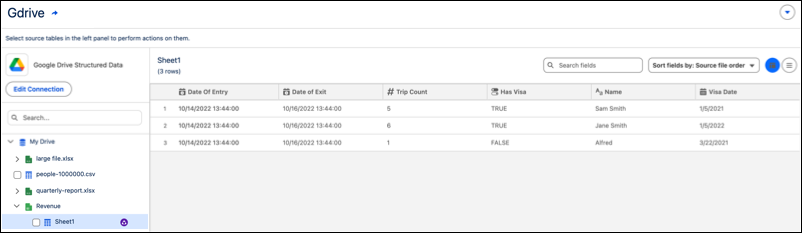
Import files such as Excel, CSV, and Google Sheets from your My Drive and Shared Drives with the Google Drive connector. To control who can see and use data, set up a service or shared account to manage broad access permissions effectively across your company.
Where: This change applies to Tableau Next in Enterprise, Performance, and Unlimited editions.

Who: To turn on the Google Drive connector on your org, contact your Salesforce account representative.
How: To add your data, go to the Workspaces tab and select an existing workspace or create a one. Select Connect to New Data or Add and select From Connector. Click the Google Drive connector and give it a name. Confirm the checkbox and click Sign In.
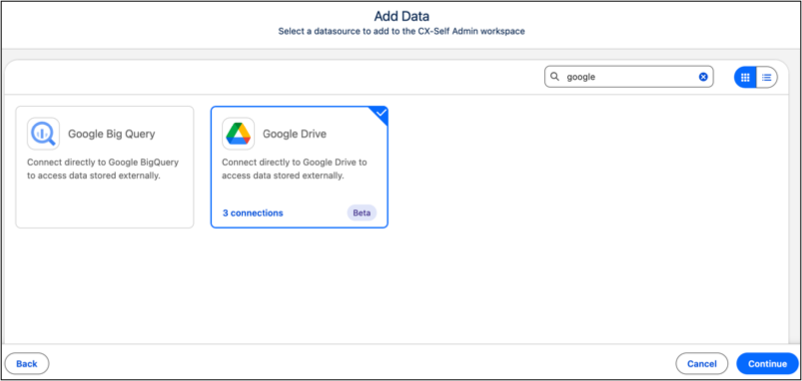
Through the Google Drive connector, you get access to your files that includes all XLSX, CSV, and GSheet files accessible by the connected Google Account.