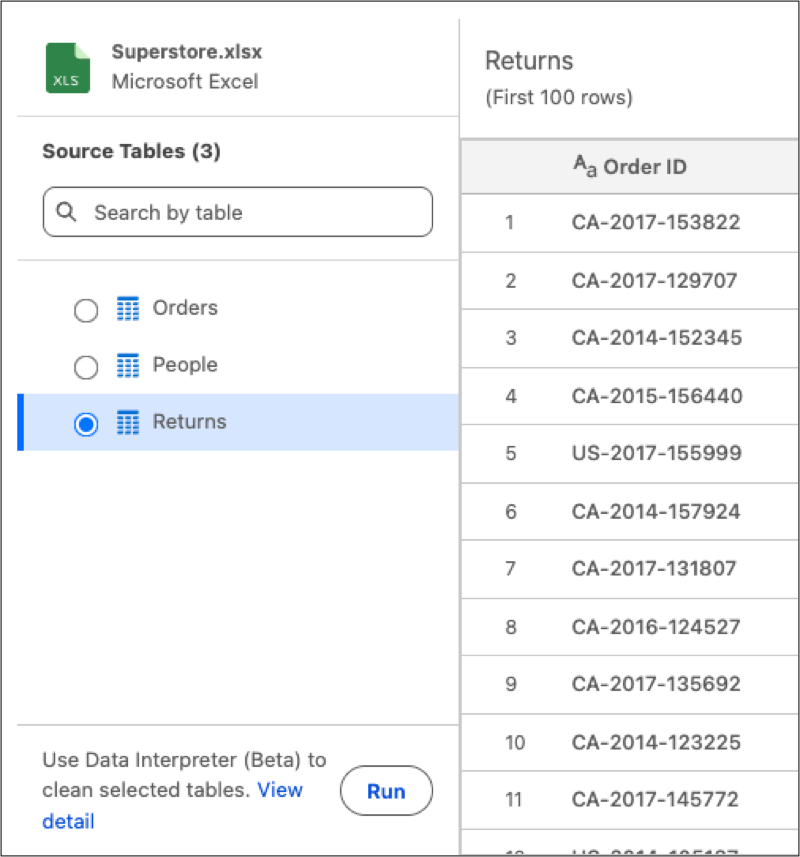
You can now use the Data Interpreter during Excel (.xlsx) file re-uploads to refresh Data Lake Objects built from non-standard layouts. A sheet selector enables you to identify specific sub-tables rather than relying on automatic matching logic. This control makes sure that updated data ranges ingest correctly without manual restructuring.
Where: This change applies to Tableau Next in Enterprise, Performance, and Unlimited editions.
How: To update a specific table, go to its Data Lake Object and select Replace Data. To add your revised Excel file, click Upload File, then select the source table to overwrite the current one. Finally, initiate the data interpreter by clicking Run.