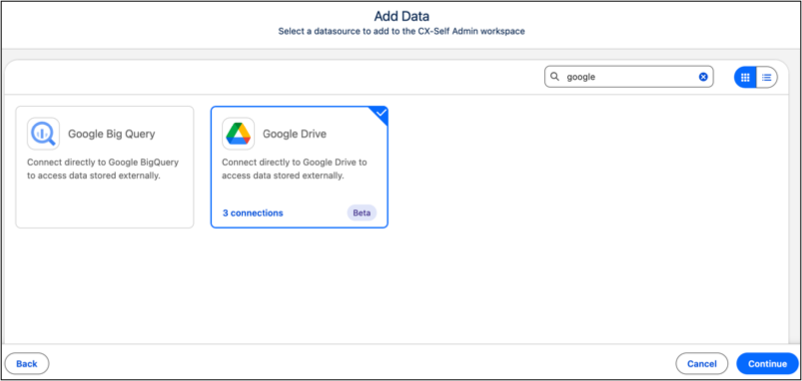
Create a Google Drive connection to give all Tableau Next workspace users access to enterprise data without creating duplicate connections. You can easily discover and import shared CSV, XLSX, and Google Sheets files without needing individual credentials or manual file transfers. You also gain centralized connection management that keeps team data aligned while simplifying workspace setup.
Where: This change applies to Tableau Next in Enterprise, Performance, and Unlimited editions.

Who: Salesforce admin privilege is required to set up a Google Drive connection.
How: To add your data, go to the Workspaces tab and select an existing workspace or create a one. Select Connect to New Data or Add and select From Connector. Click the Google Drive connector and give it a name. Confirm the checkbox and click Sign In.