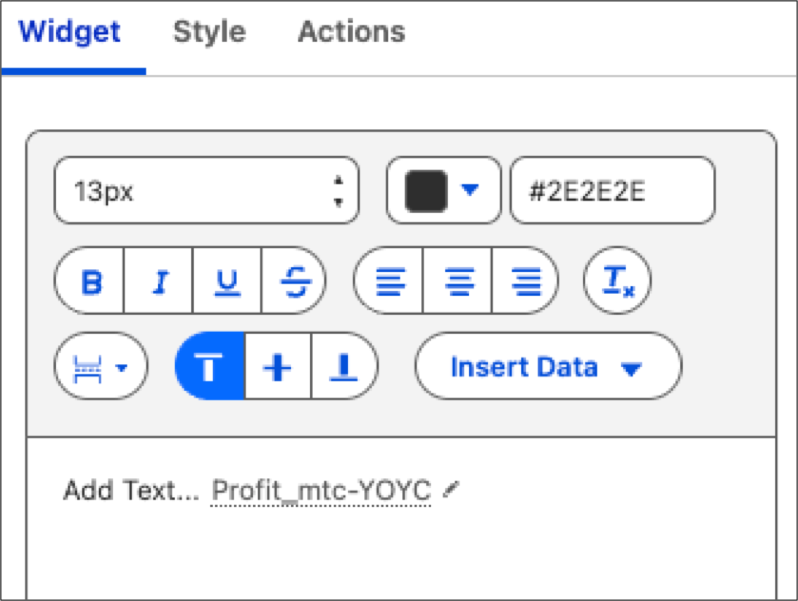
Add real-time overviews to text widgets with embedded live metric attributes. This feature enables you to merge metrics with your strategic observations that deliver thorough and active business context on your dashboard.
Where: This change applies to Tableau Next in Enterprise, Performance, and Unlimited editions.
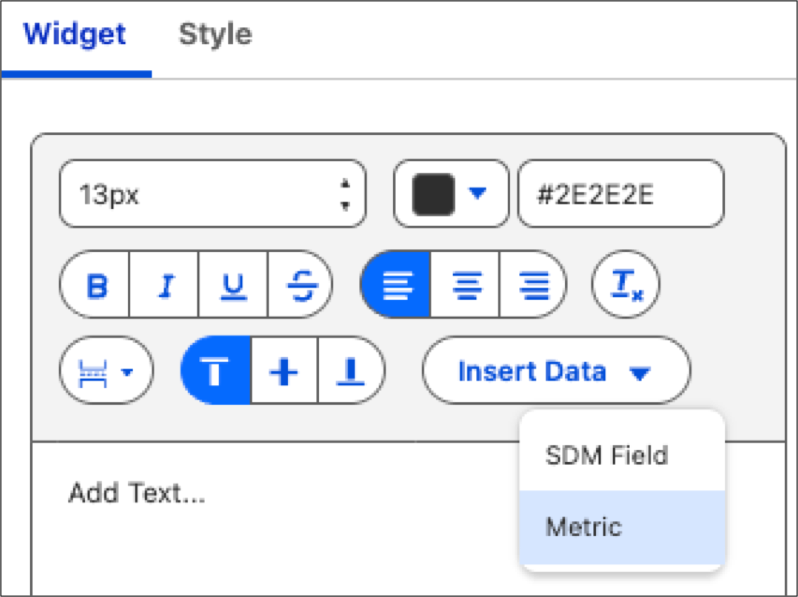
How: Add or edit a text widget on your dashboard. On the Widget tab, click Insert Data and select Metric.
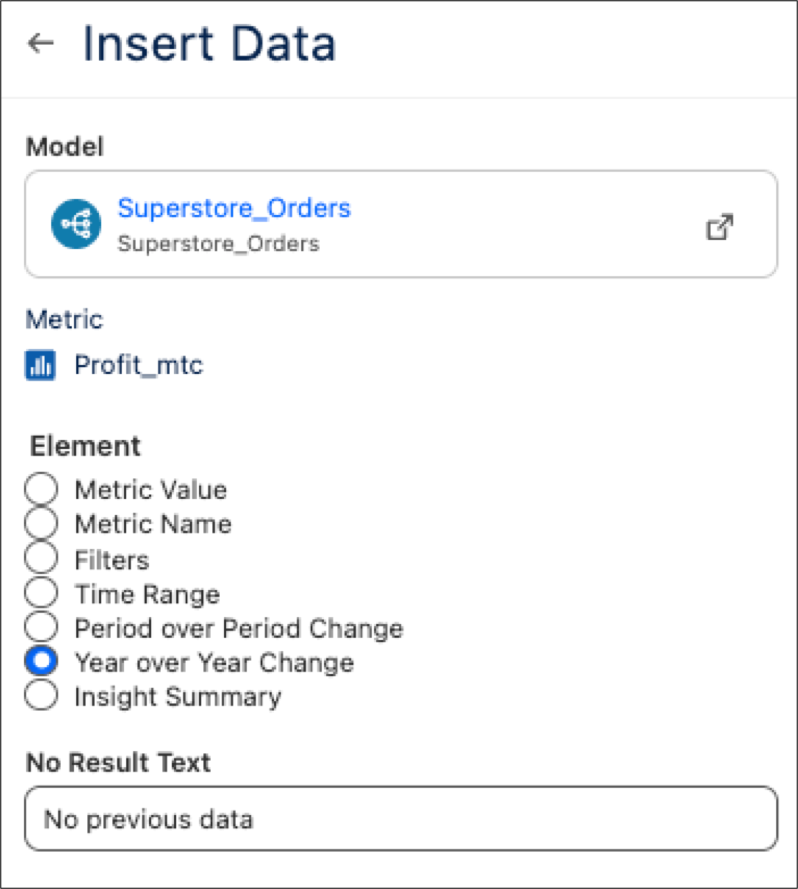
Select a data model and metric, followed by the individual metric element you want to appear.
You can include qualitative text to accompany the metric. For further emphasis on critical data fluctuations, use the Style tab to implement conditional formatting.