
Update specific Tableau Next metrics instantly without triggering a full-page refresh of surrounding widgets. This enhancement updates the previous behavior where modifying any parameter initiated a global reload of the active page. Authors can isolate parameter changes to a select set of dependent widgets.
Where: This change applies to Tableau Next in Enterprise, Performance, and Unlimited editions.
How: To specify which parameters a widget can receive or ignore, select the widget then go to the Widget tab. Click Receive Dashboard Parameters.
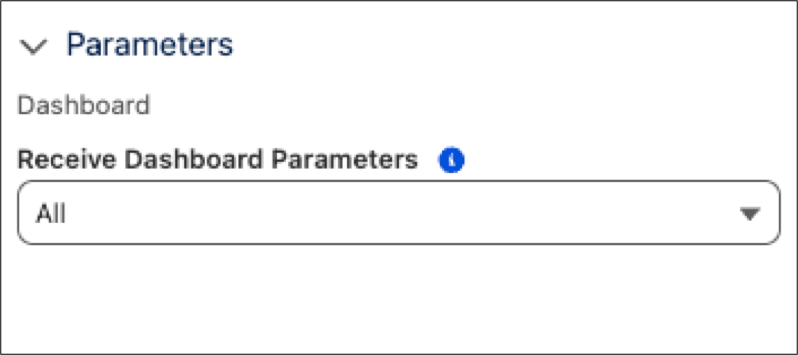
From there, you can select one of four settings: All (the default) accepts all dashboard filters. Include applies only to the selected filters that you select. Exclude ignores selected filters that you select. None ignores all filters for metrics to remain static.