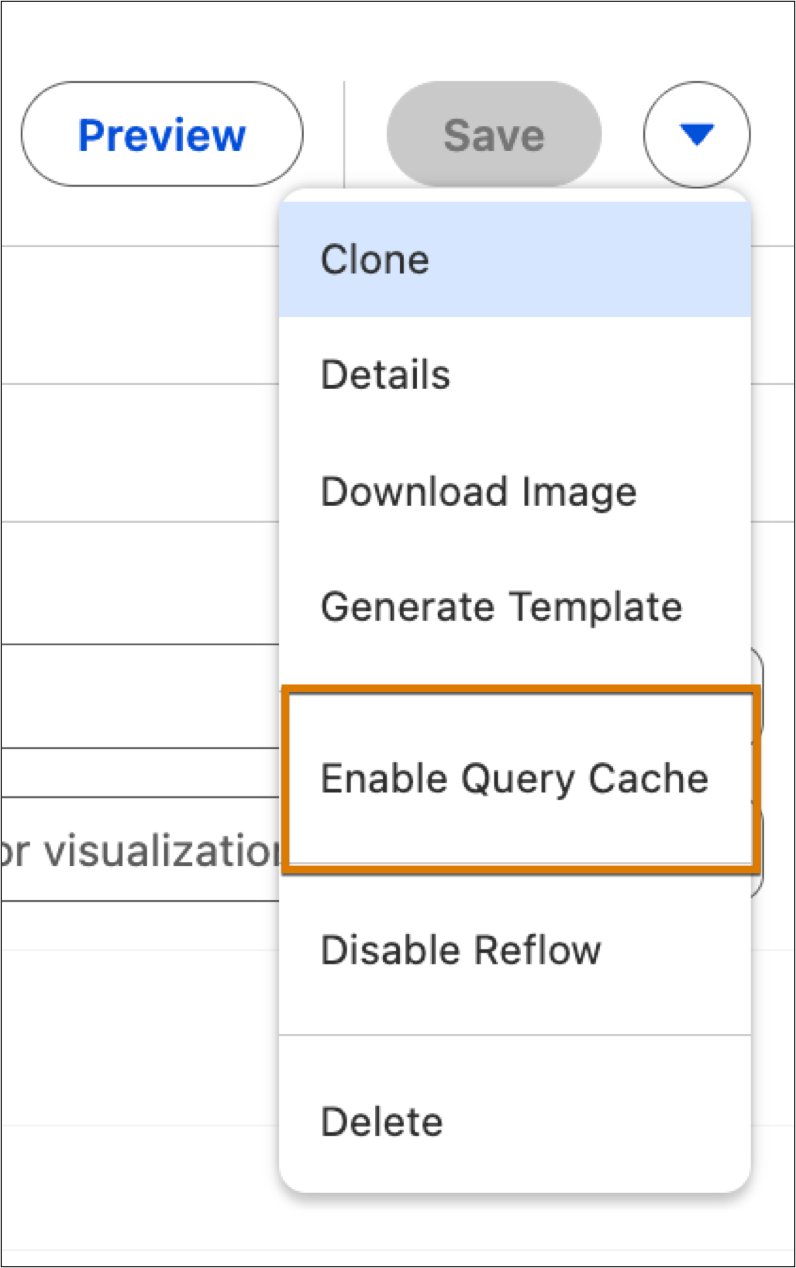
Ensure rapid loading for embedded overview dashboards to improve the user experience and reduce system overhead. You can now switch entire dashboards to cached mode, which uses stored query results rather than triggering expensive live updates for every page load. This approach provides a performance boost for frequently visited pages while maintaining the option to bypass the cache for urgent data needs.
Where: This change applies to Tableau Next in Enterprise, Performance, and Unlimited editions.
How: To enable caching for your dashboard, edit the dashboard and select Enable Cache from the Actions menu. The dashboard cache is enabled for 30 minutes before it refreshes automatically.