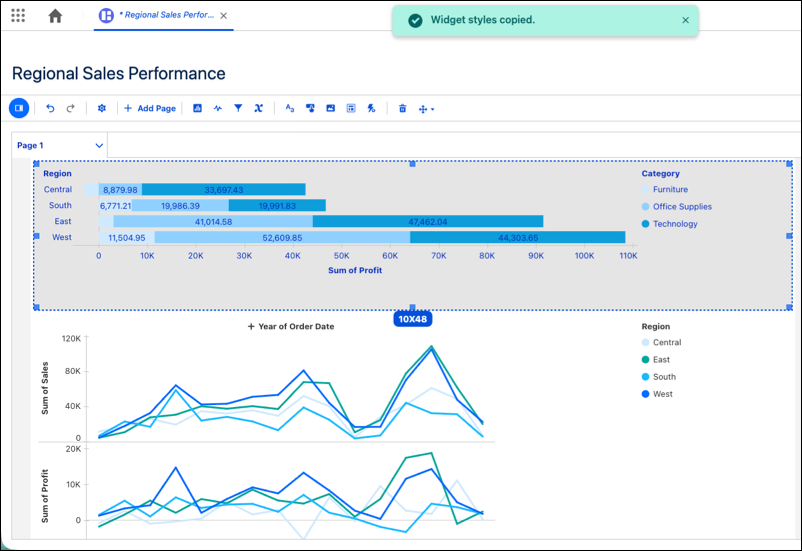
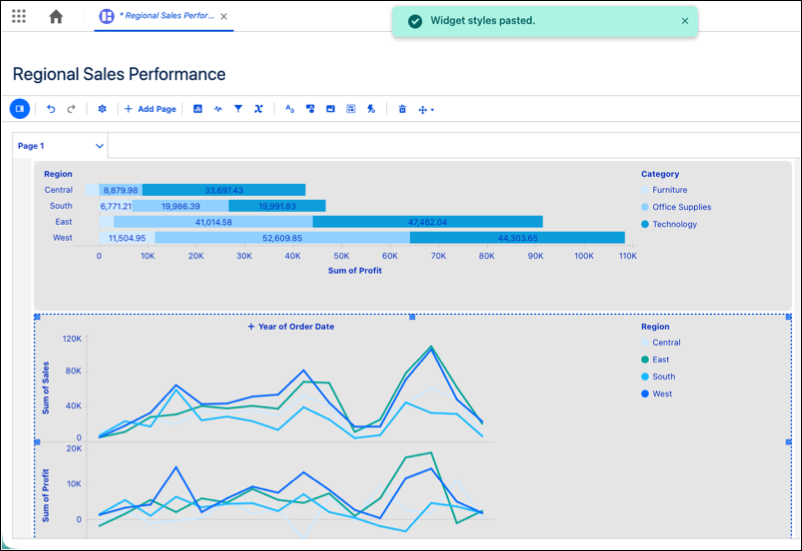
Apply style changes to multiple dashboard assets to create a cohesive look for your dashboards. Select several widgets to update borders and corner radiuses in a single action, or use new keyboard shortcuts to copy and paste styles between widgets. These updates replace the need to manually format every individual widget, saving time during the design process.
Where: This change applies to Tableau Next in Enterprise, Performance, and Unlimited editions.
How: To copy a widget’s formatting, select the source widget and press Command+Option+C (macOS) or Control+Alt+C (Windows). To apply the style elsewhere, select the target widgets and press Command+Option+V (macOS) or Control+Alt+V (Windows).