Design Tableau Next dashboards more effectively with fresh authoring tools created to accelerate your workflow, promote brand uniformity, and simplify metric analysis. You can now instantly preview layout changes when you reorder pages. Also, save time by selecting several widgets at after to apply consistent formatting across your layout. For faster troubleshooting of your dashboard metrics, you can now open any metric to view its setup without navigating through semantic models.
Where: This change applies to Tableau Next in Enterprise, Performance, and Unlimited editions.
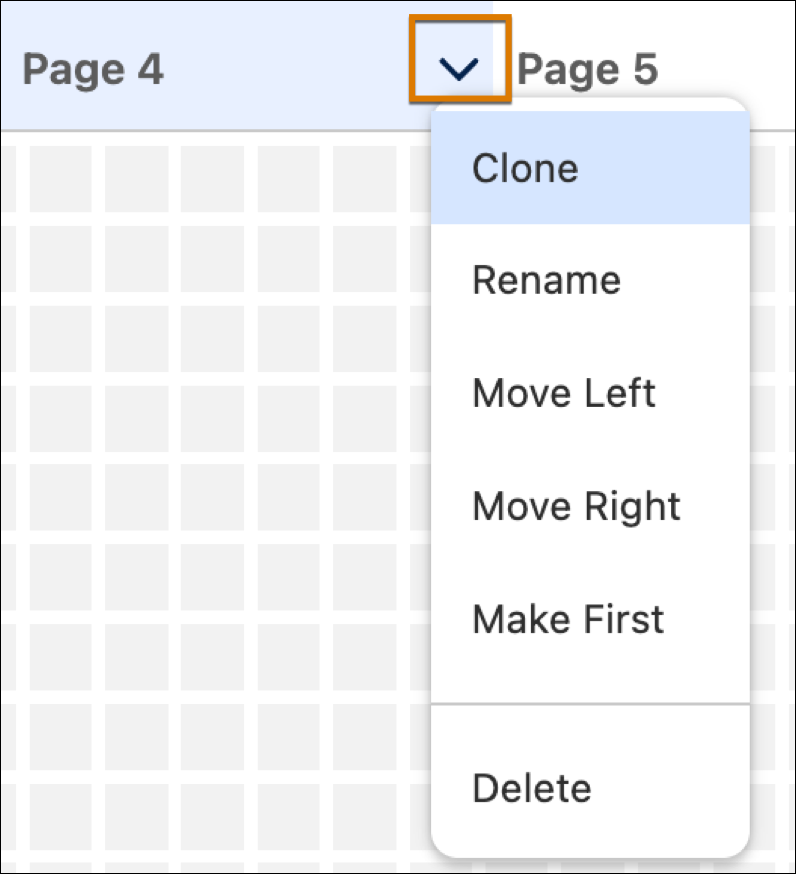
How: To move, delete, or clone pages, click a page's action menu.
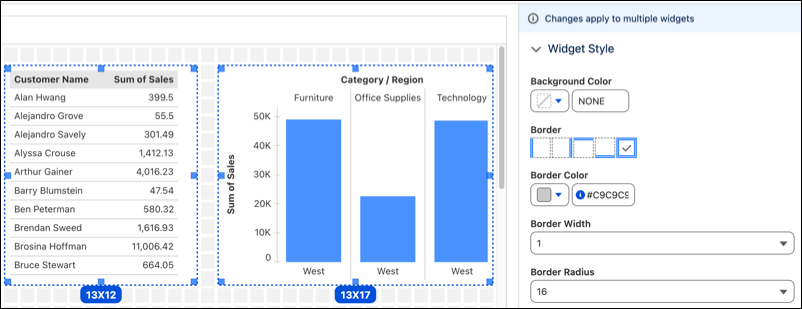
To add formatting to multiple widgets simultaneously, drag a selection box around the widgets then go to Widget Style.
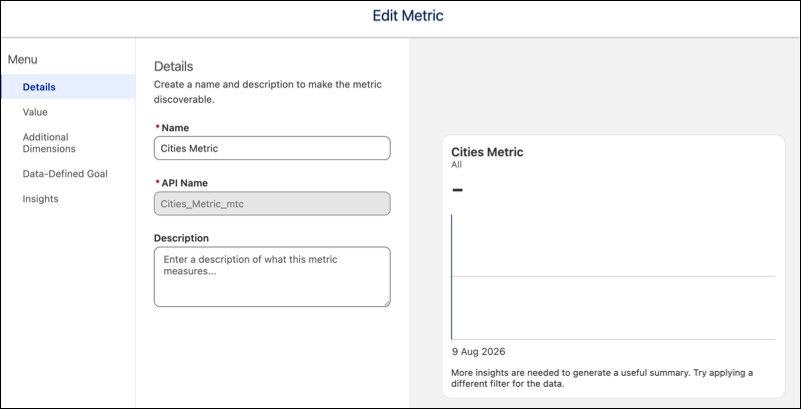
To directly edit a metric, click the metric's link on the Widget tab.