
Create reusable app templates from your Tableau Next workspaces and share them across orgs. An app template is your workspace's data and insights resources collected as a package. When users install an app from the template, they get the same workspace functionality, with all resource relationships preserved, whether installing in the same org or a different one.
Where: This change applies to Tableau Next in Enterprise, Performance, and Unlimited editions.

How: In Tableau Next, click Administration, and then click Settings. On the General page, enable Template Builder (Beta).
From your workspace, select Generate Template (Beta) from the action menu to open the template builder.
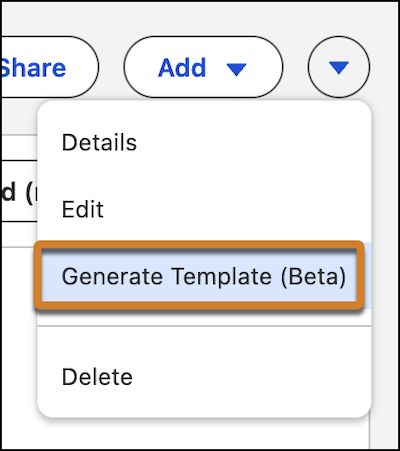
Generating a template adds all workspace assets to the template.
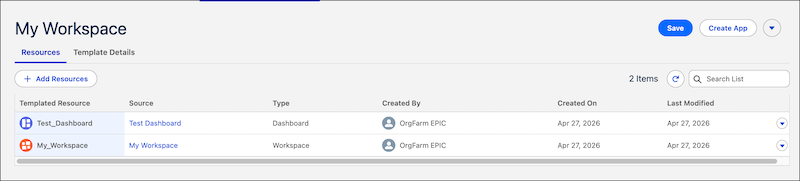
Using the template builder, you can define the template's metadata, such as a description and preview images, to provide context about its purpose.
You can download the template for more editing and share with others as an installable package.