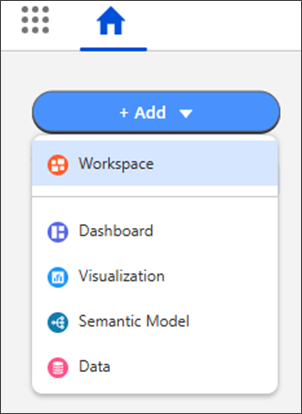
Streamline your analytics workflow by creating assets directly from the home page. Save time by bypassing navigating into a workspace before creating or finding existing content. Select Add from the home page to create assets, find existing ones, or start a new workspace in one fluid motion. For example, find an existing visualization and add it to a new workspace, right from Home.
Where: This change applies to Tableau Next in Enterprise, Performance, and Unlimited editions.
How: From the Tableau Next home page, select Add and an asset type.