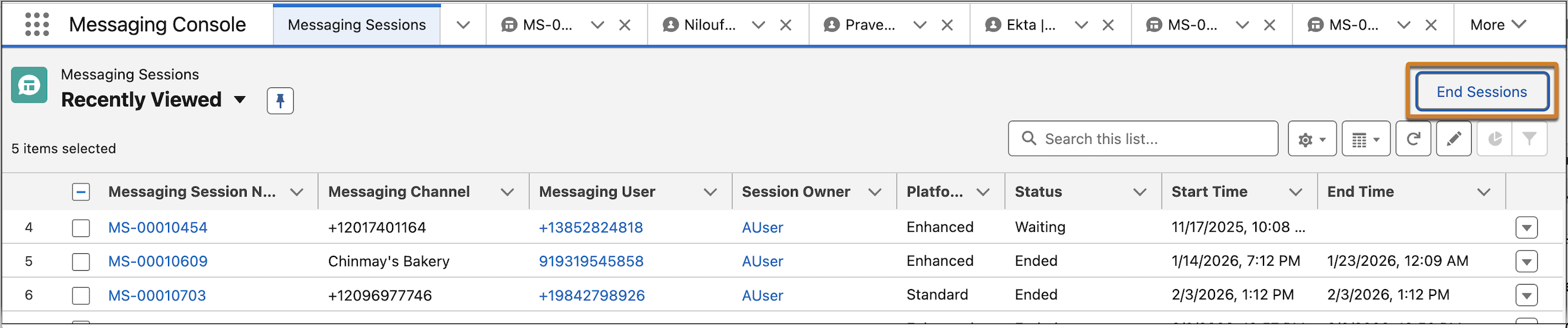
You asked, we listened. Service reps and admins using status-based capacity in Enhanced Messaging can now batch-end Inactive messaging sessions from a list view button. Previously, only tab-based capacity workflows could end Inactive sessions with this button.
Where: This change applies to enhanced messaging channels. View required editions.
When: This change goes live on June 30, 2026.
How: To end one or more Inactive sessions from a list view:
Open a list view of messaging sessions, select the inactive sessions you want to end, and click End Sessions.