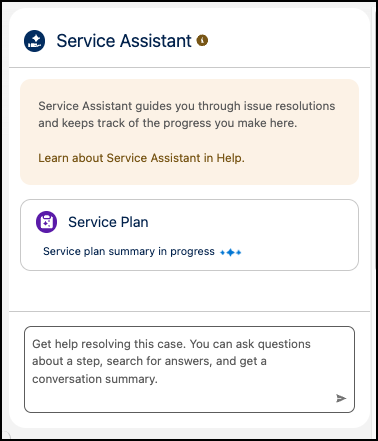
Service reps now see a status indicator in the component that signals a service plan is being created. Previously, the component gave no indication that a plan was in progress, so reps had to wait until the plan summary appeared without knowing whether anything was happening.
Where: This change applies to Lightning Experience in Enterprise, Unlimited, and Developer editions with Einstein for Service, Agentforce for Service, and Agentforce 1 editions. This feature requires the Service Planner Add-on and Adaptive Experience Add-on licenses.
Feature support: This change applies to Service Assistant for Case with dynamic and guidance plans.
When: This status indicator in guidance plans is available starting July 10, 2026. The new floating summary card behavior for dynamic plans is available starting August 19, 2026.
Why: The status indicator confirms that Service Assistant is working, so reps know a plan is on the way instead of wondering whether the component stalled or isn’t working.
How: For guidance plans, this change is available by default and requires no setup. When a rep opens a record that meets your eligibility criteria, Service Assistant automatically starts generating the plan, and reps see a "Service plan summary in progress" status indicator.
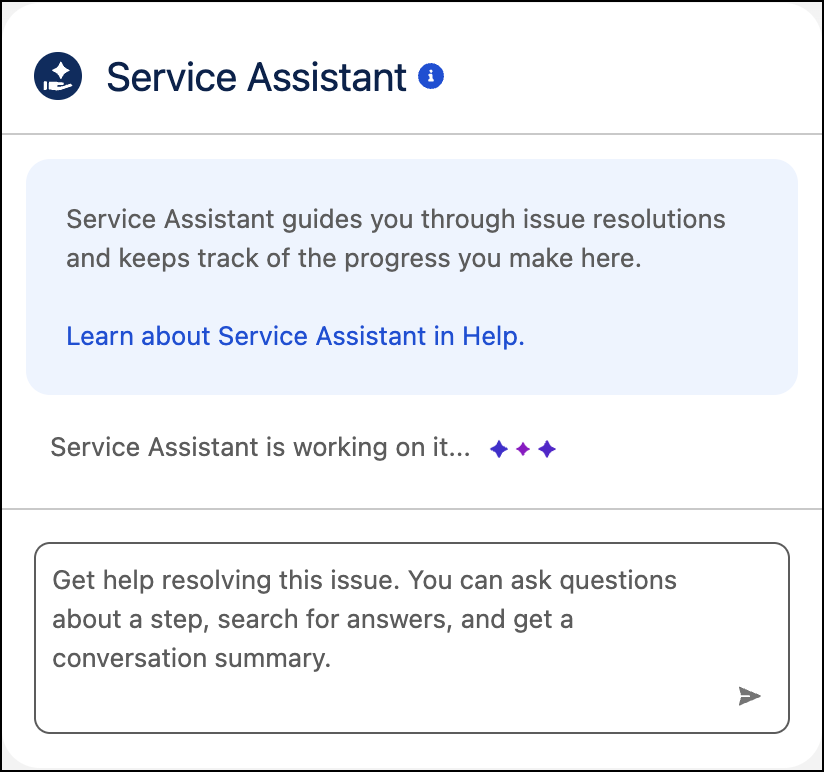
For dynamic plans, the Service Plan summary card no longer appears until it’s ready. When a rep opens a record that meets your eligibility criteria, Service Assistant automatically starts generating the plan, and reps see a "Service Assistant is working on it" status indicator.
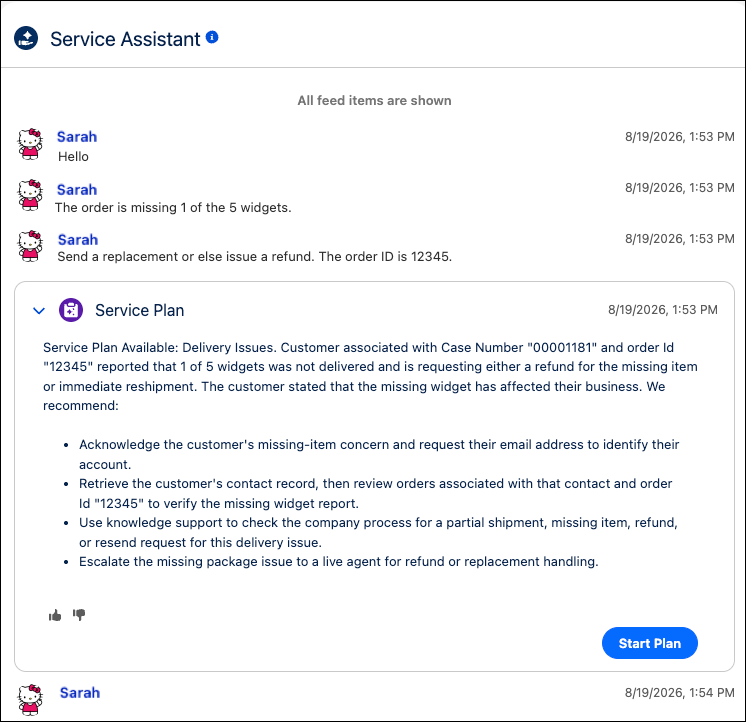
When the summary card appears for a dynamic plan, it’s positioned after the last message in the chat. All subsequent messages appear below the summary.