
The Guidance Plans toggle on the Service Assistant Setup page is back. Use it to enable or disable guidance plans for cases. If you’re already using guidance plans, the toggle is enabled by default. If you’re using dynamic plans, it’s disabled.
Where: This change applies to Lightning Experience in Enterprise, Unlimited, and Developer editions with Einstein for Service, Agentforce for Service, and Agentforce 1 editions. This feature requires the Service Planner add-on and Adaptive Experience add-on licenses.
Feature Support: This change applies to Service Assistant for Case.
When: This change is available starting August 19, 2026.
Who: To access this change, Salesforce admins require the Service Planner Builder permission set.
How: To enable guidance plans, go to the Case tab on the Service Assistant Setup page, then in the Define Service Plan User Experience section, turn on Guidance Plans.
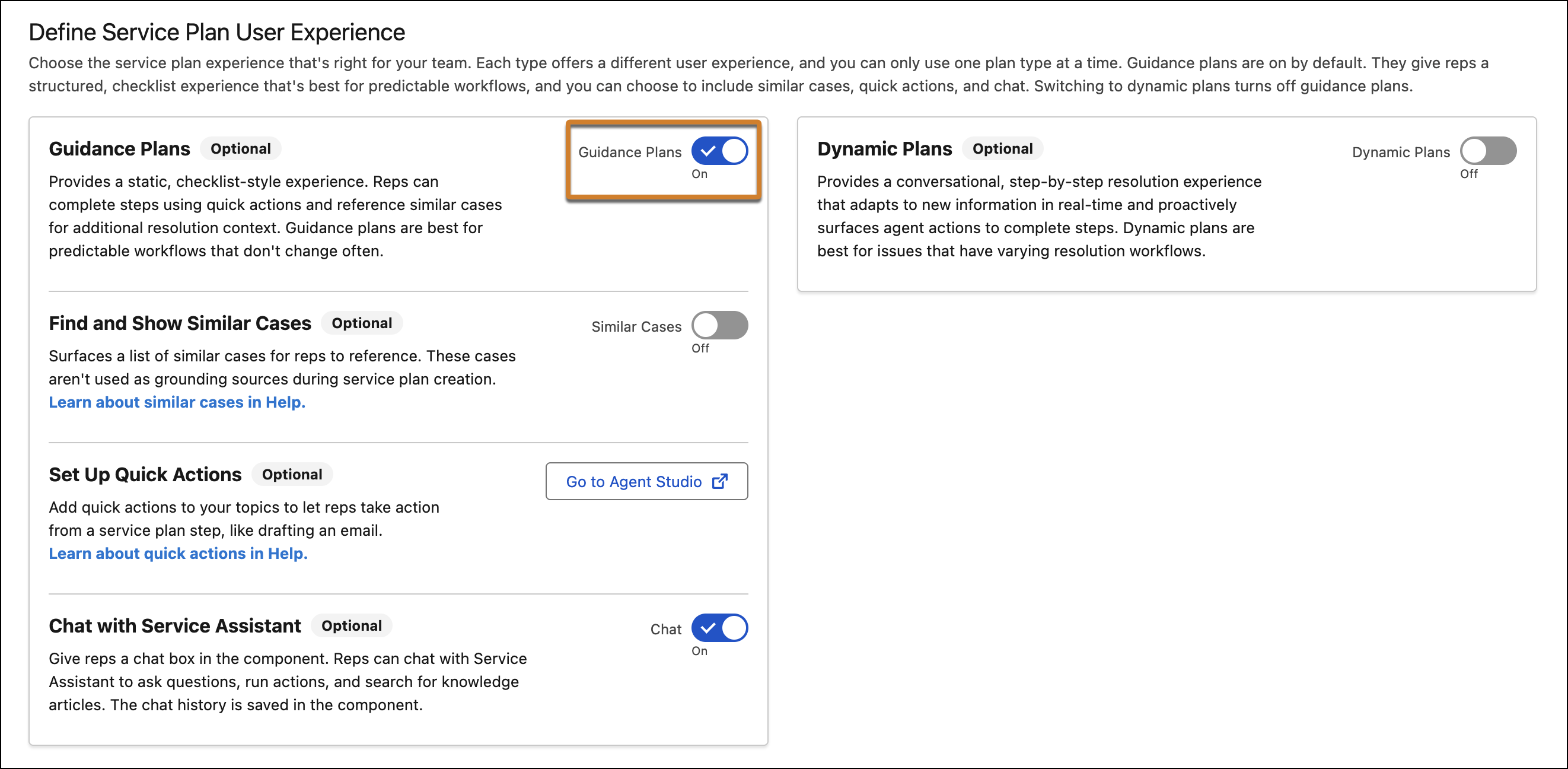
The Guidance Plans and Dynamic Plans toggles are mutually exclusive–enabling one automatically turns off the other.