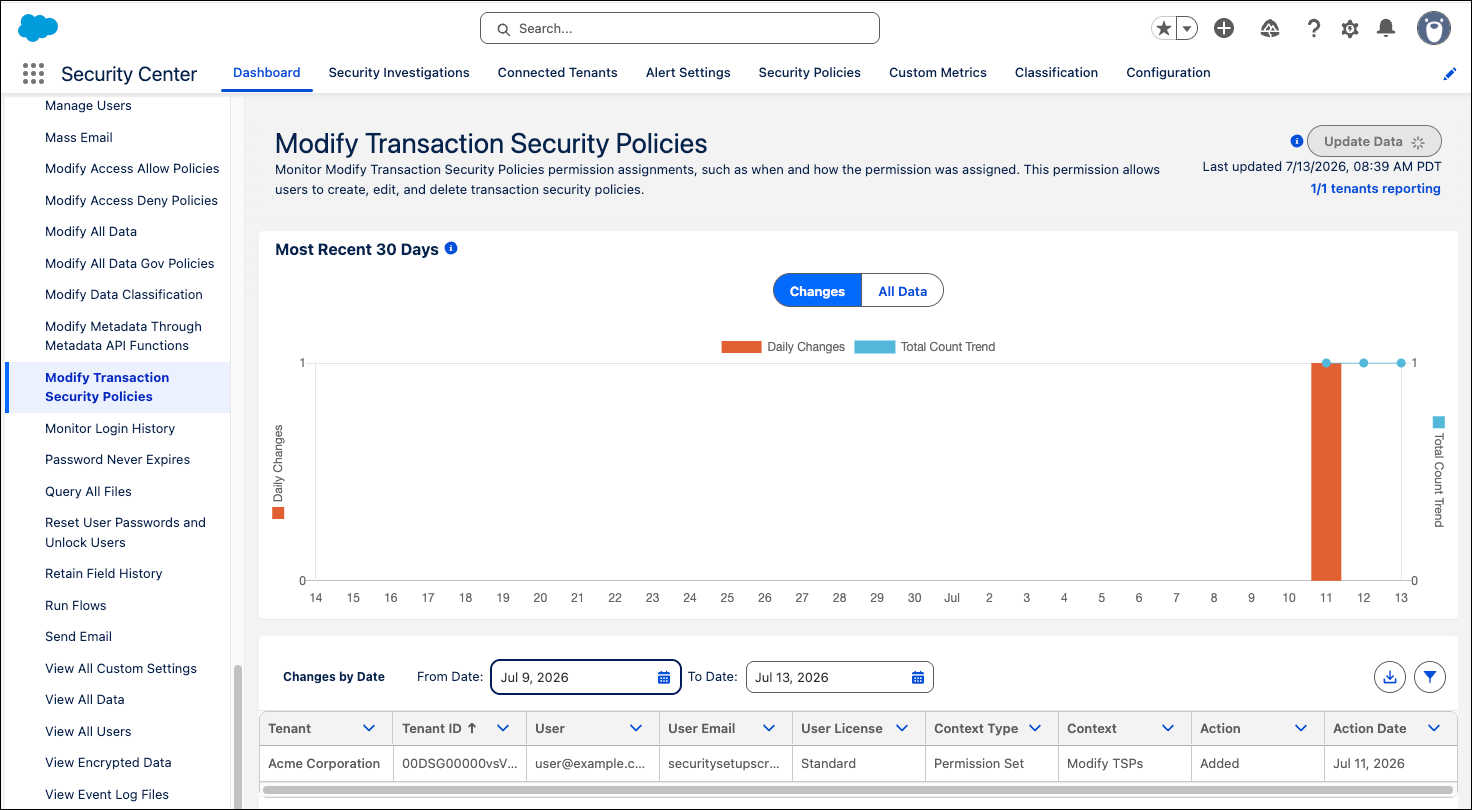
Security Center has several new Permissions metrics to enhance your organization's security posture and ensure that users have appropriate system access.
Where: This change applies to Lightning Experience in Enterprise, Performance, Unlimited, and Developer editions.
Who: This change applies to customers with the Security Center license.
How: Open Security Center from the App Launcher, expand the Permissions metrics list, and look for the metrics you want to check out.
- Activate and Deactivate Flows
- Create, Edit, Delete, and Run Flows
- Data Space Access
- Edit Marketing Consent Settings
- Manage Campaigns
- Manage Email Content
- Manage SMS Messaging Setup
- Modify Transaction Security Policies