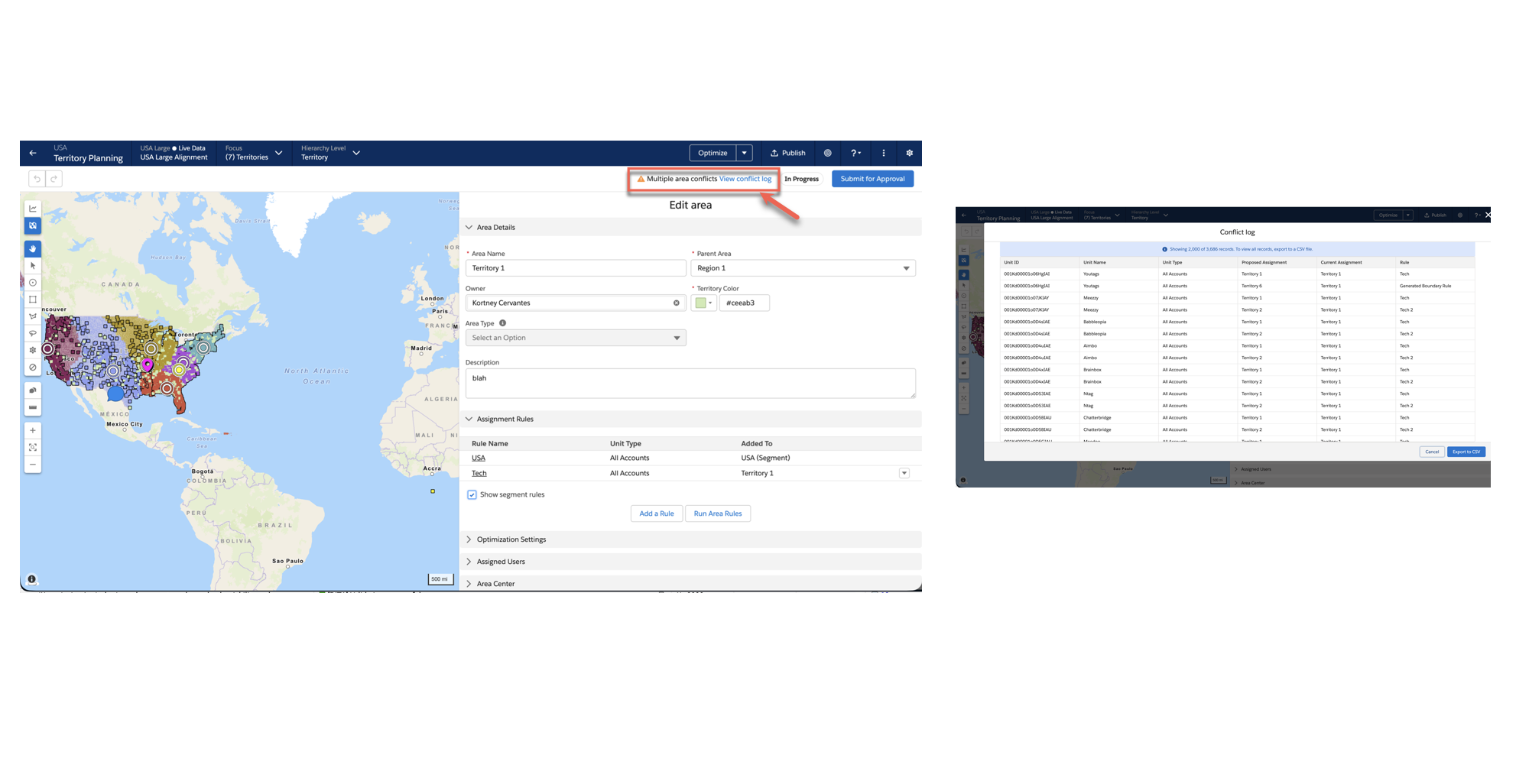
Ensure accurate territory alignments by viewing segment criteria and inherited rules directly within the planning interface. This update surface parent segment rules and flags area-level assignment conflicts in the header, allowing you to resolve overlaps before they impact your data.
How: Prevent rule conflicts from the following areas.
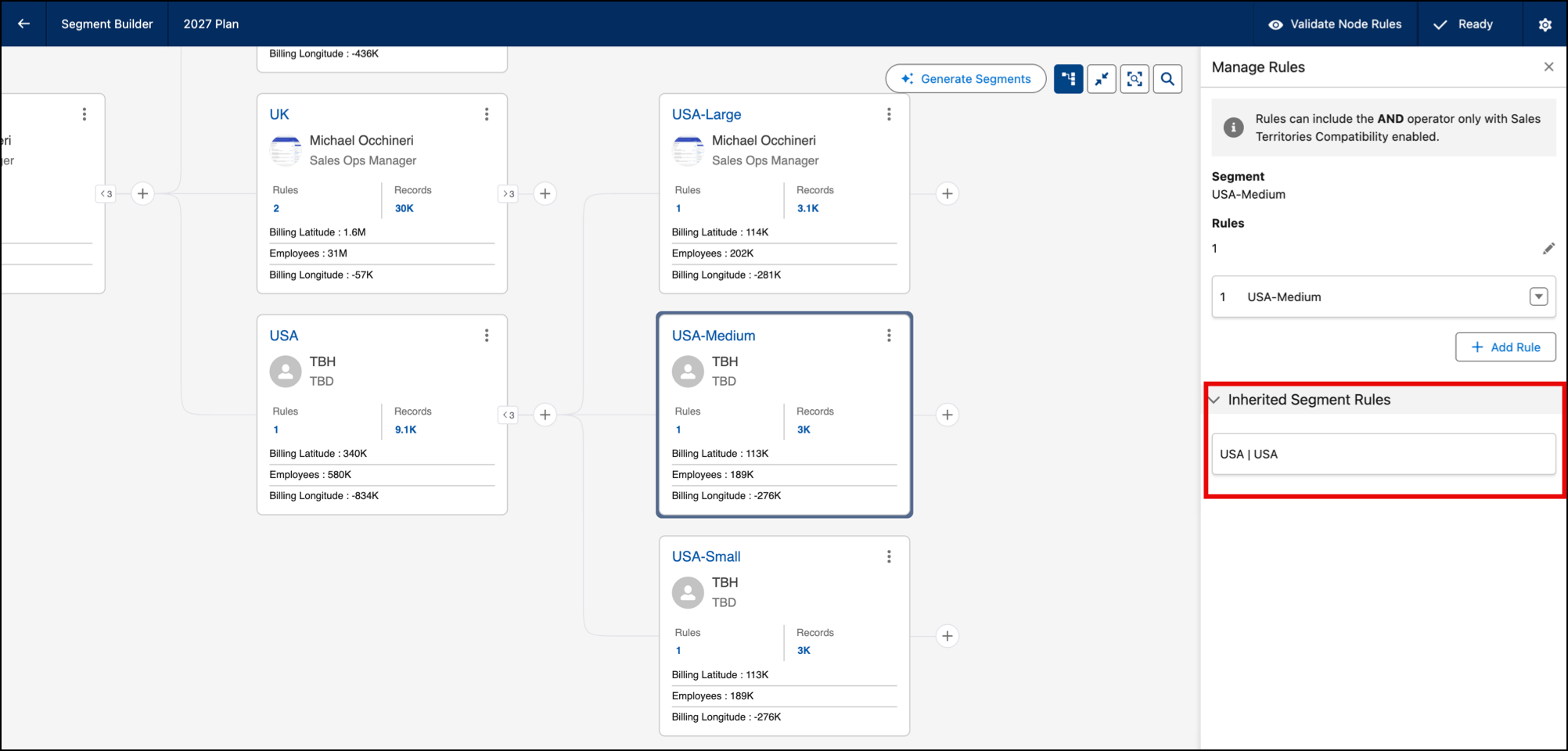
- In Segmentation: Open the Manage Rules panel or the Records Card in Segment Details to view
rules inherited from parent segments.
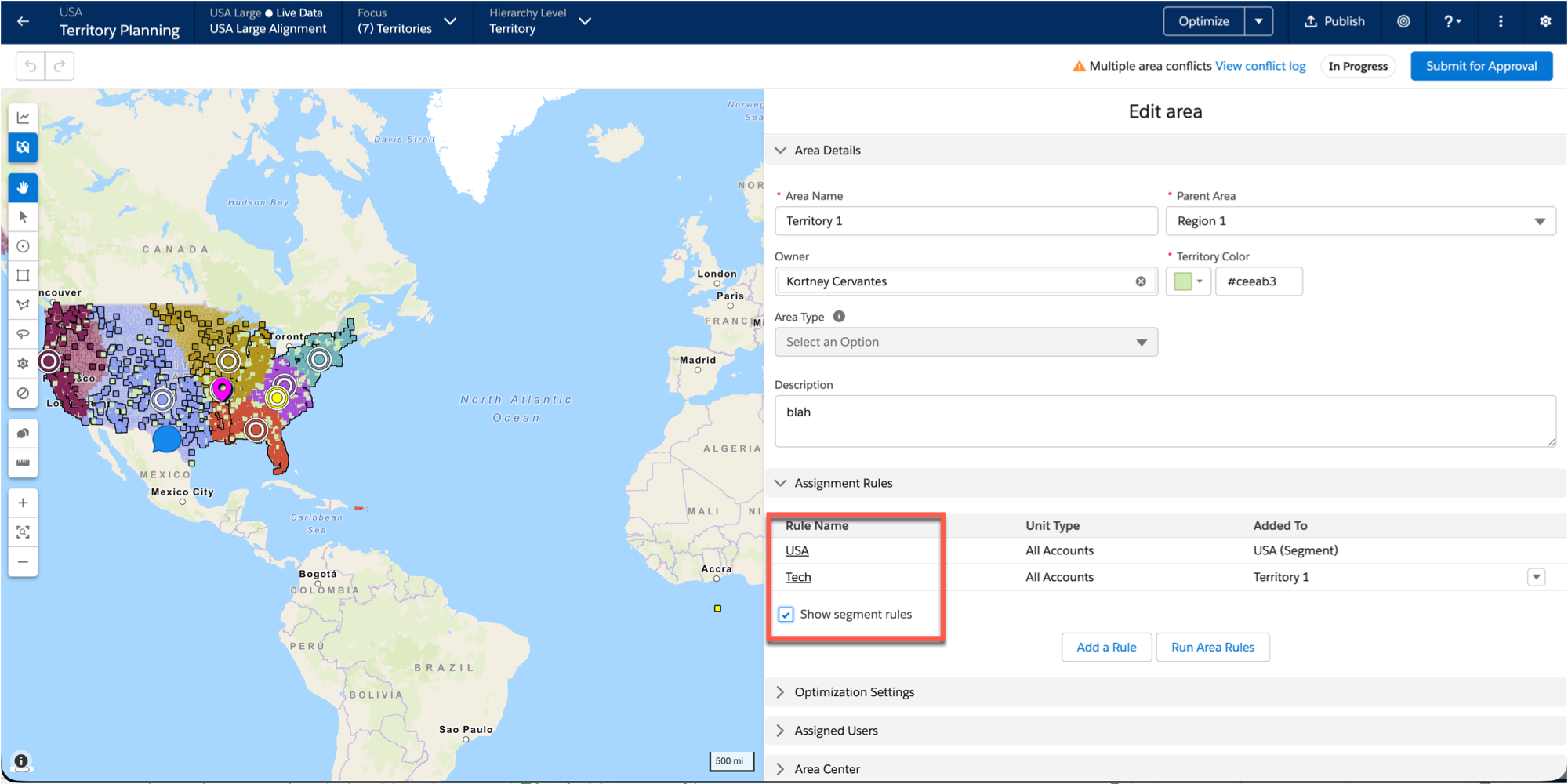
- In Territory Planning: Segment rules are now visible when defining rules at the area
level.
- From Conflict Alerts: If area-level assignment rules conflict, a persistent notification
appears in the header. Click the notification to identify and resolve the specific
overlap.