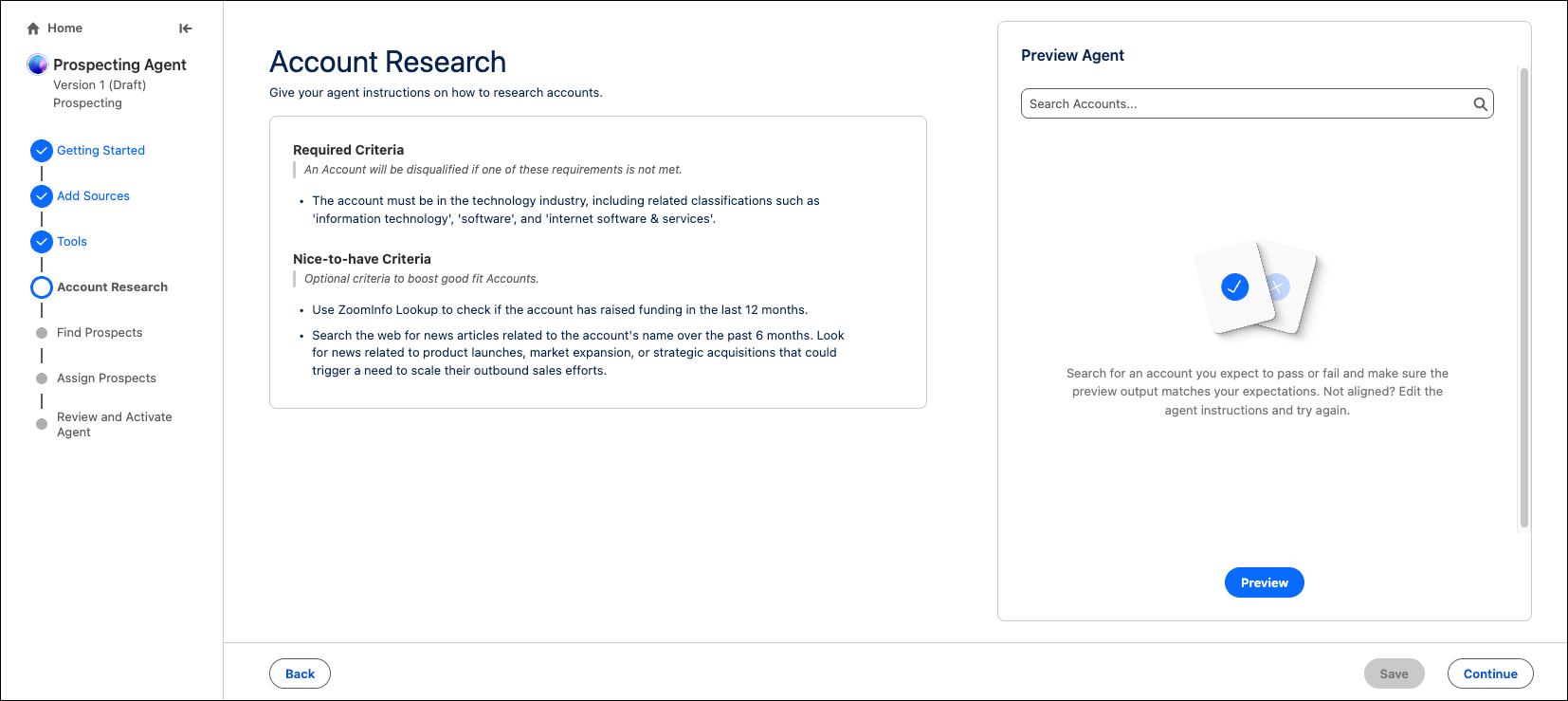
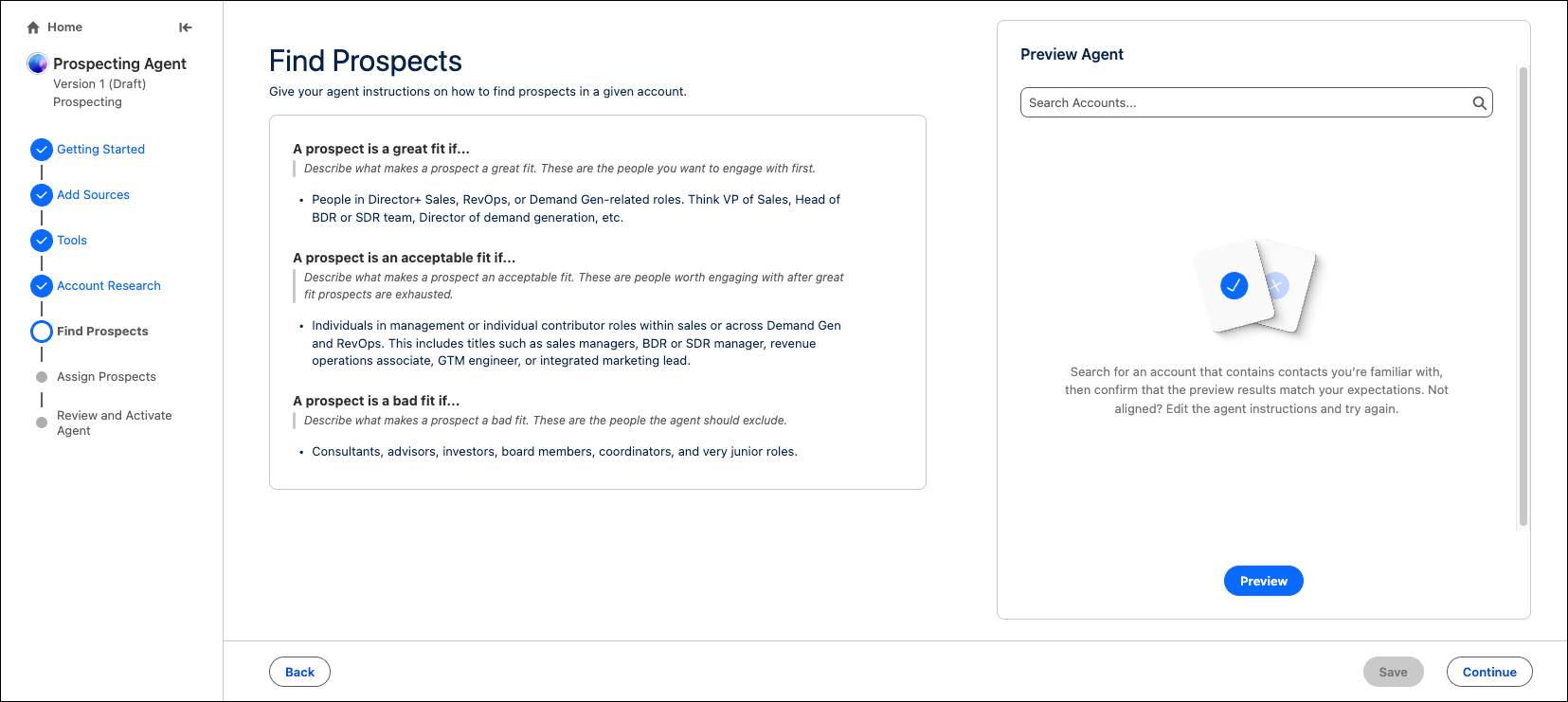
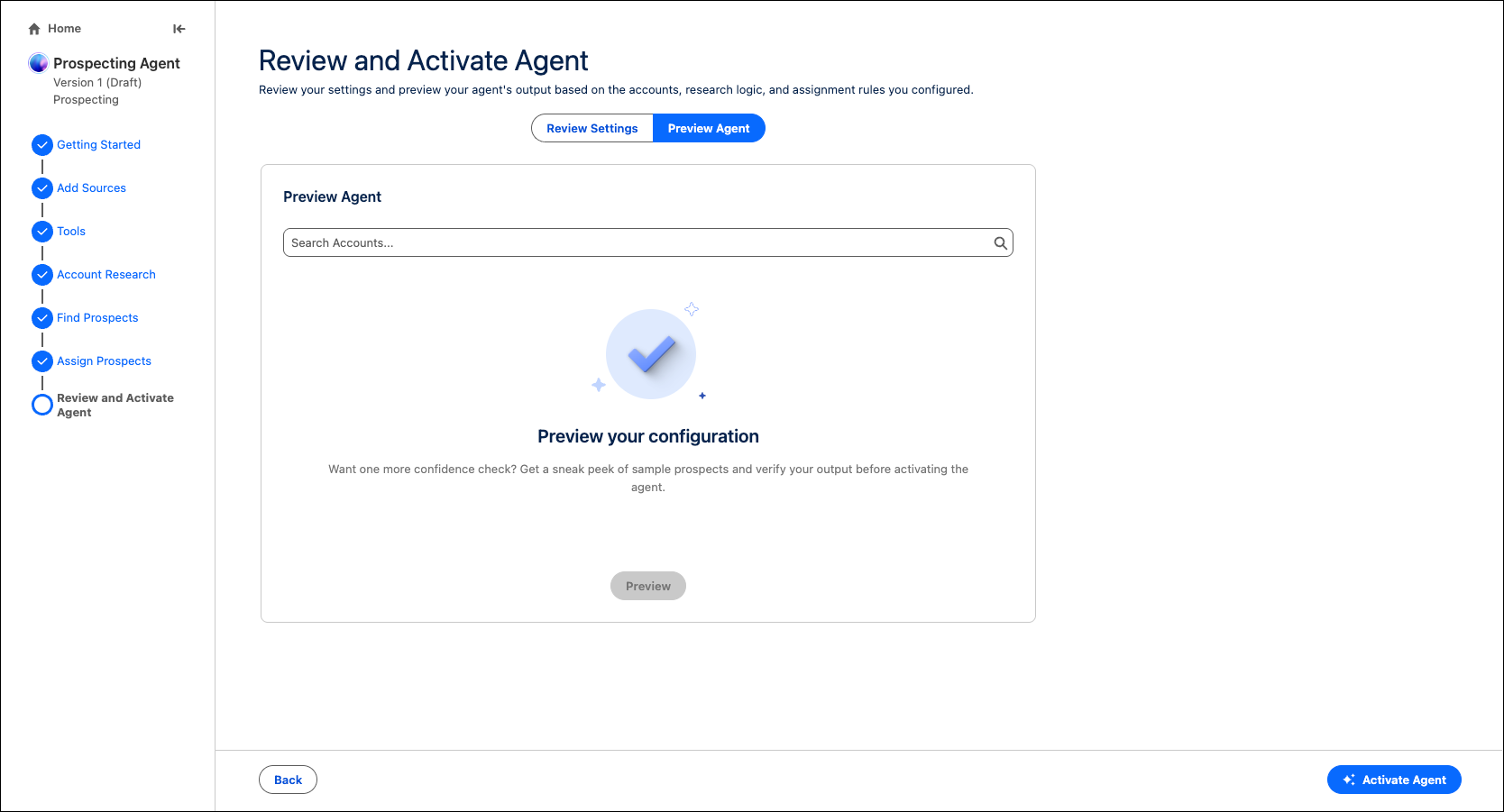
Agentforce Prospecting now includes an improved setup experience that helps admins configure agents more efficiently in a single setup experience. Admins can specify account research criteria, define ideal prospect profiles, and preview each configuration without needing to switch to Agentforce Studio.
Where: This change is available in Enterprise, Performance, Unlimited, and Developer Editions with the Agentforce for Sales or Agentforce for an Industry add-on, or in Agentforce 1 Sales and Industry Editions where included. Requires each user to have the Agentforce for Sales or Agentforce for an Industry add-on to access actions.
When: This change is available starting late June.
How: In Salesforce Go, click Agentforce for Sales, and then go to the Prospecting section. Click Go in the Build and Manage Agent step. Build a new agent or modify an existing one to access the new setup experience.
New setup steps include Account Research, Find Prospects, and Review and Activate.