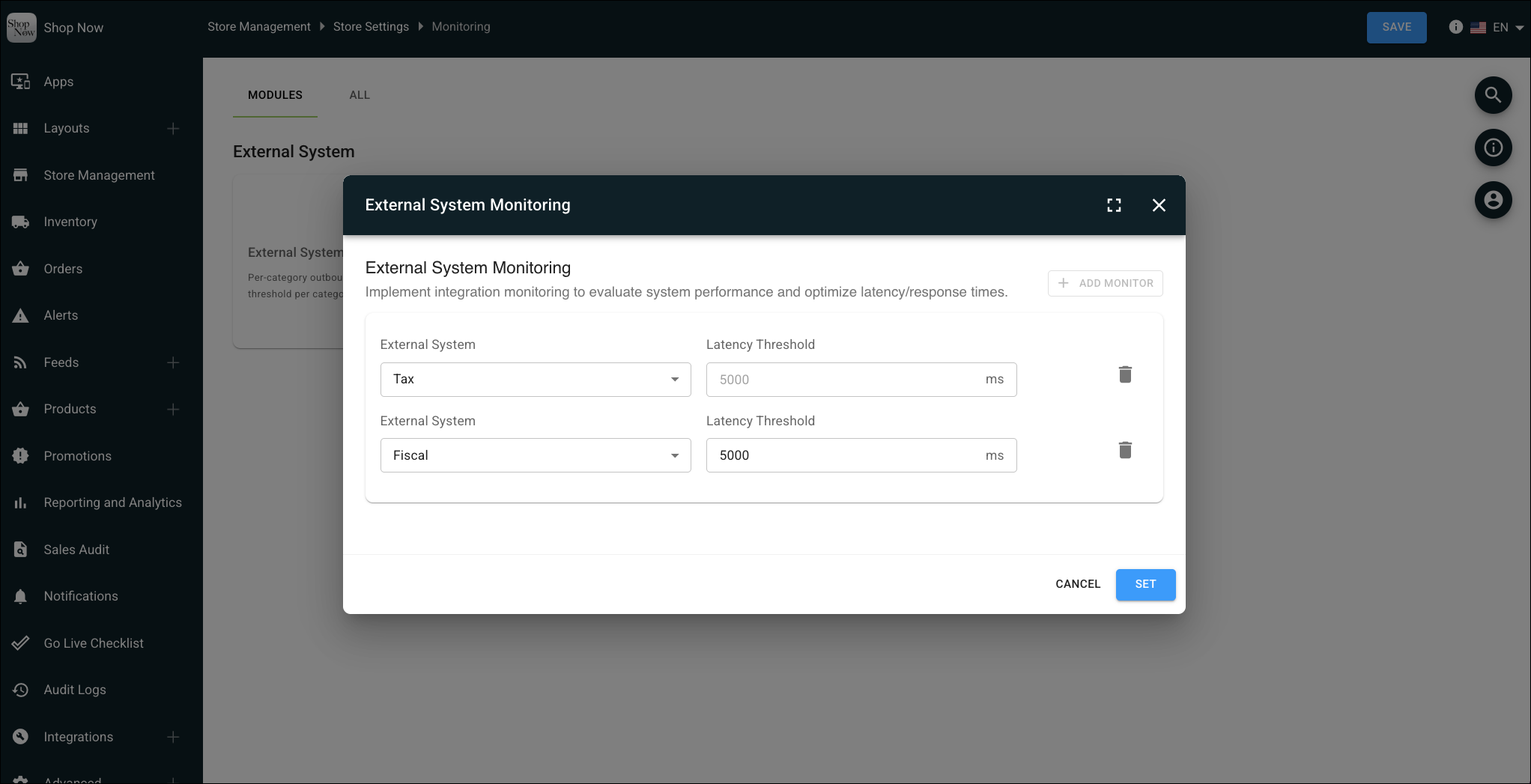
Track tax software and fiscal middleware health in real time with automated performance monitoring. Set up custom alerts to catch latency spikes, errors, and timeouts across supported providers, enabling quick shifts to fallback processing before impacting checkout. Configuring location-specific threshold settings provides granular control over system stability and reduces manual coordination during outages.
Where: This change applies to Point of Sale.
How: In CMS, go to Store Management | Store Settings | Monitoring. Edit External System Monitoring and configure the latency thresholds for the tax and fiscal connector.