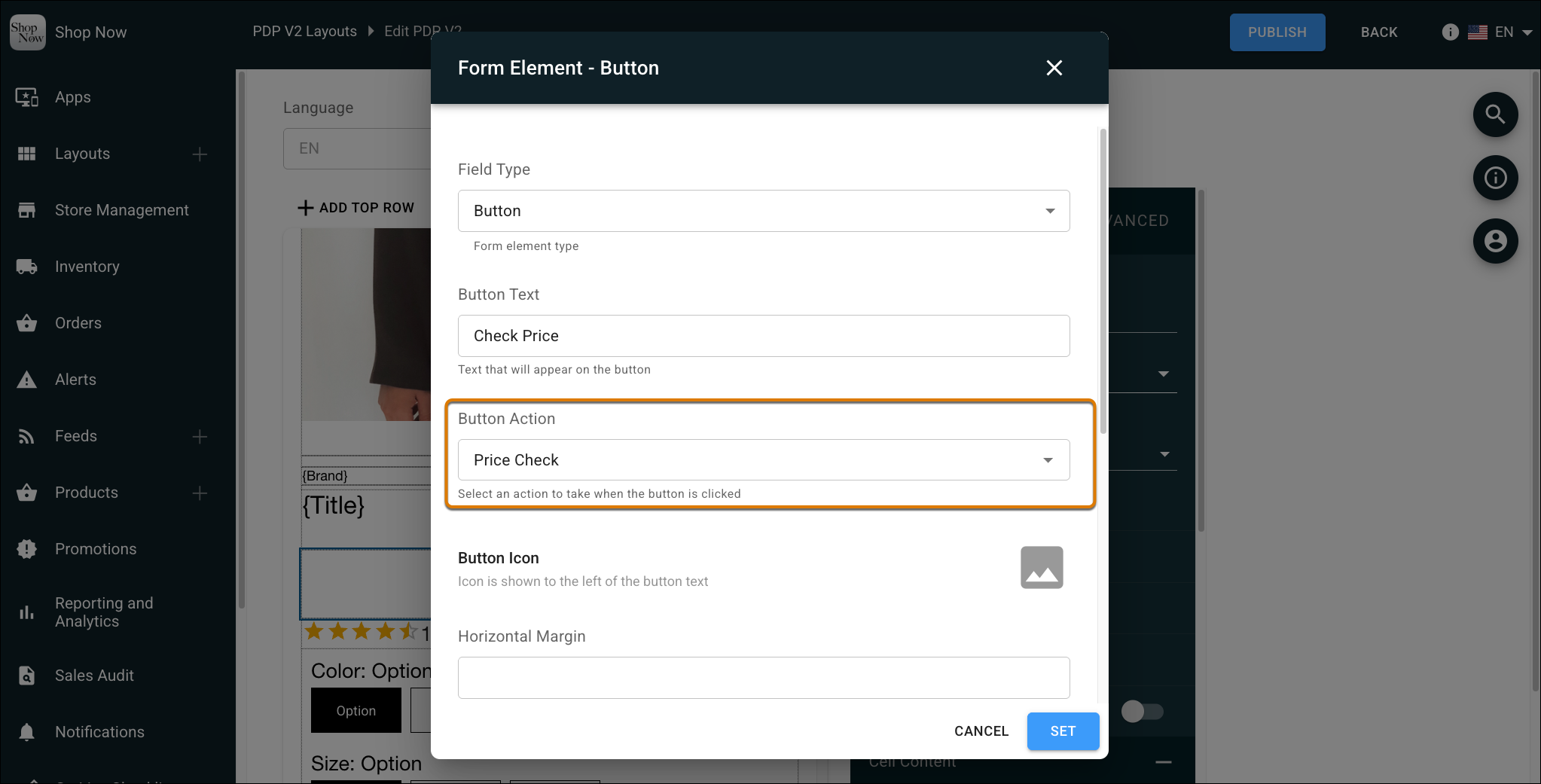
You no longer need to add items to the cart just to see promotional pricing. Use the Price Check button directly on the Product Detail Page (PDP) to instantly view the final discounted price for any variant. This streamlined workflow saves time, keeps voided cart data clean, and helps your team provide faster, more confident customer service.
Where: This change applies to Point of Sale.
How: In CMS, go to Layouts | Layout Templates. Edit a PDP layout and configure the Price Check button action.