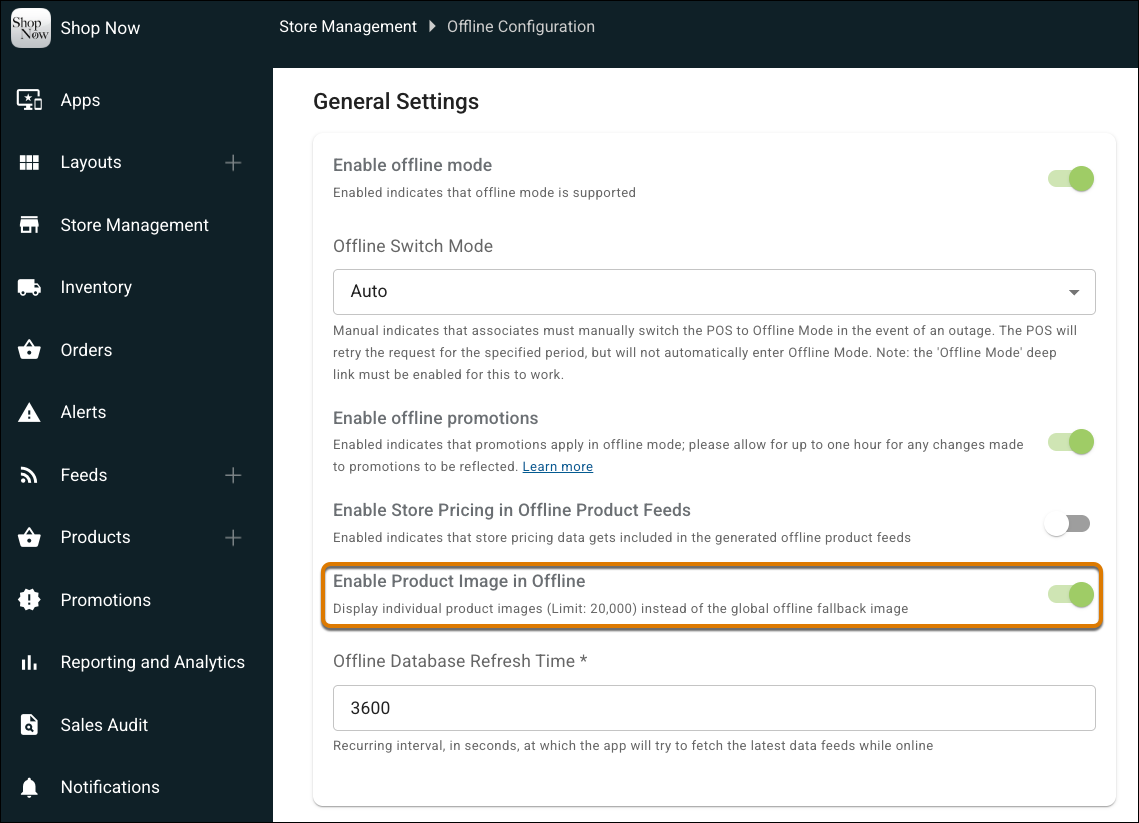
Show product images on the POS app during offline transactions. Previously, offline mode showed only a default image instead of the product image, which made it harder to identify items. Now, you can find products faster and continue serving customers without interruption during offline transactions.
Where: This change applies to Point of Sale.
How: In CMS, go to Store Management | Offline Configuration. Turn on Enable Product Image in Offline. Go to Fields | Field Mappings | Products and map your image URL field to offline_image_link.