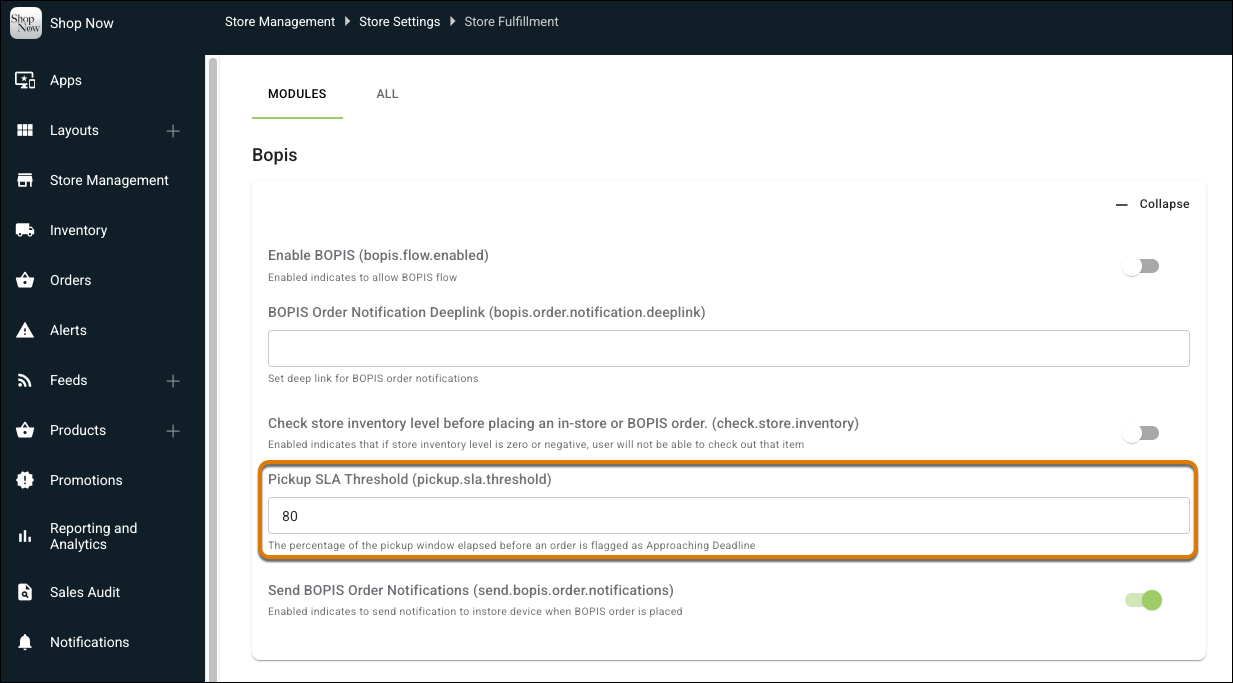
Get the visibility you need to handle pickup and shipping orders in the right order. The POS app now highlights time-sensitive orders in the fulfillment list. A green indicator shows that an order is on track, an orange indicator shows that it’s nearing the deadline, and a red indicator shows that the deadline has passed.
Where: This change applies to Point of Sale.
How: In CMS, go to Store Management | Store Settings | Store Fulfillment. Enter a value for the Pickup SLA Threshold field. For example, if the pickup deadline is 24 hours and the threshold is 80, the order is marked with an orange indicator after 19 hours and 12 minutes.