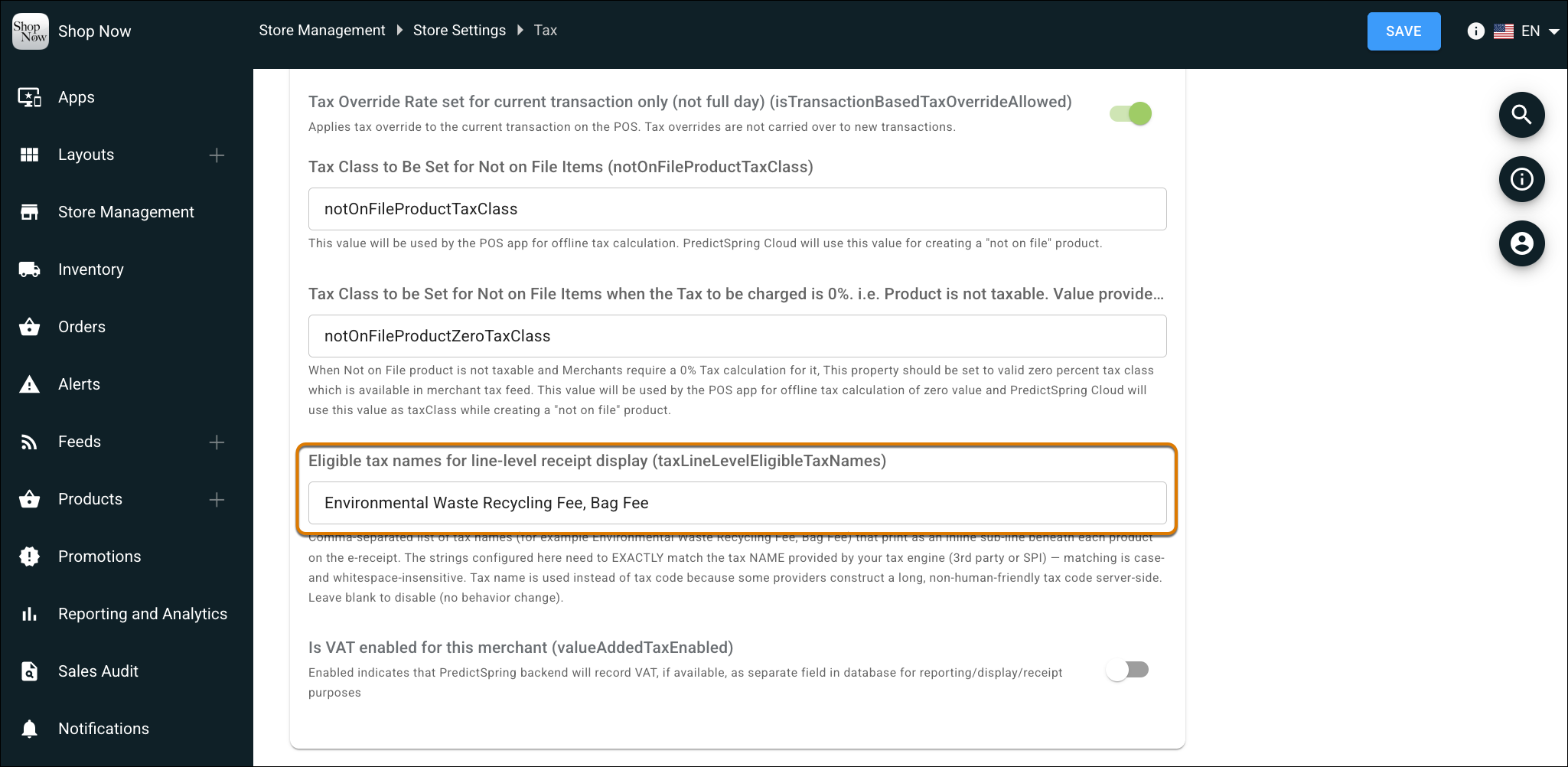
Itemize specific item taxes and regional fees directly beneath individual products on printed and electronic receipts. Configure eligible tax codes in your tax settings to display fees only when applicable, maintaining clean, clutter-free receipts, speeding up checkout times, and reducing post-purchase customer inquiries.
Where: This change applies to Point of Sale.
How: In CMS, go to Store Management | Store Settings | Tax and configure the Eligible tax names for line-level receipt display field. Configure receipts to include product-level tax breakout details.