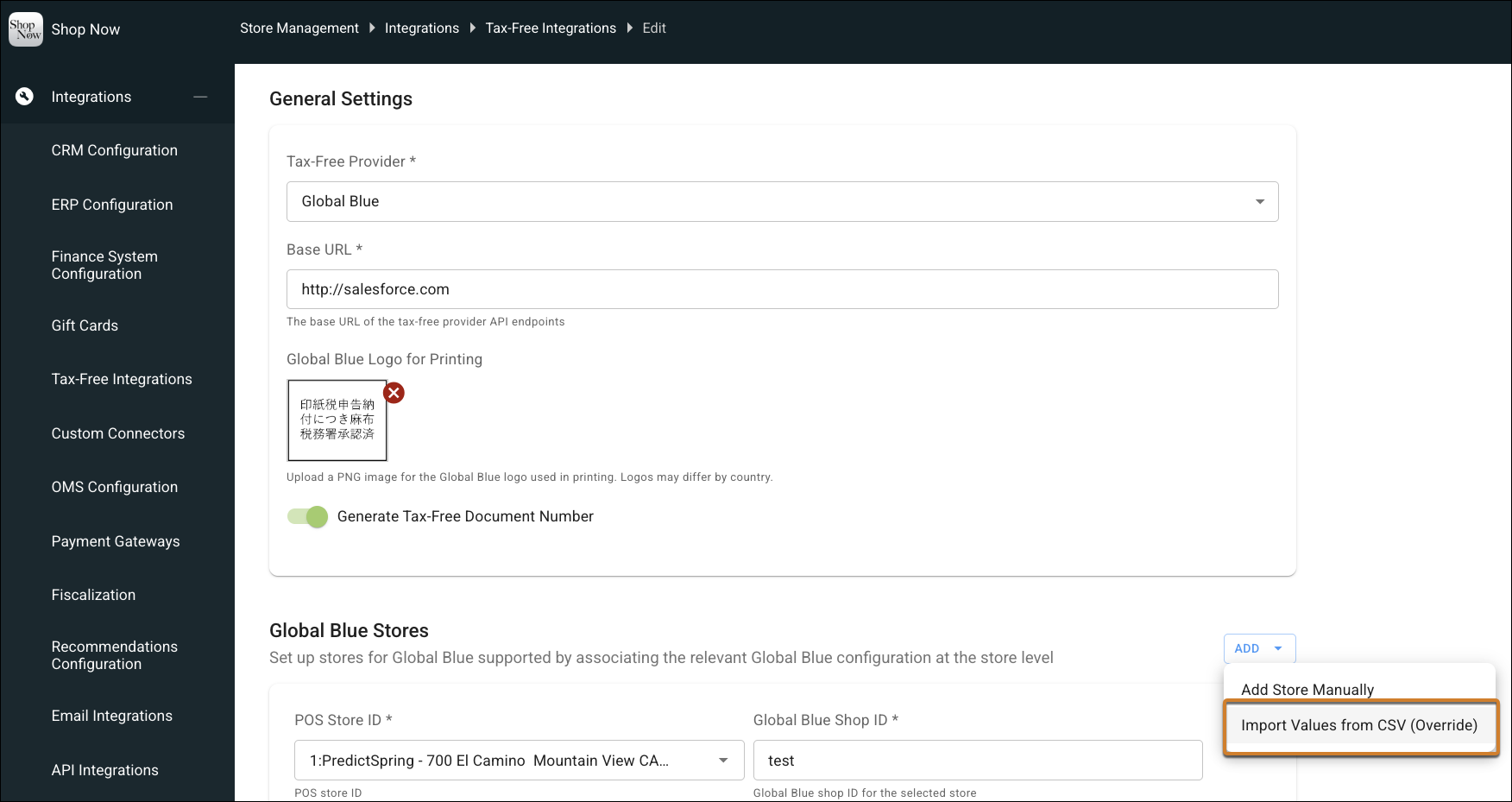
To save time, upload a CSV file to configure tax-free settings for Global Blue across all your locations. You can now manage shop IDs, API credentials, and desk IDs in bulk rather than editing each store individually. The system validates your data and maps the data to the correct store automatically.
Where: This change applies to Point of Sale.
How: In CMS, go to Integrations | Tax-Free Integrations. Edit an existing Global Blue configuration. Go to Global Blue Stores, click ADD, and select Import Values from CSV.