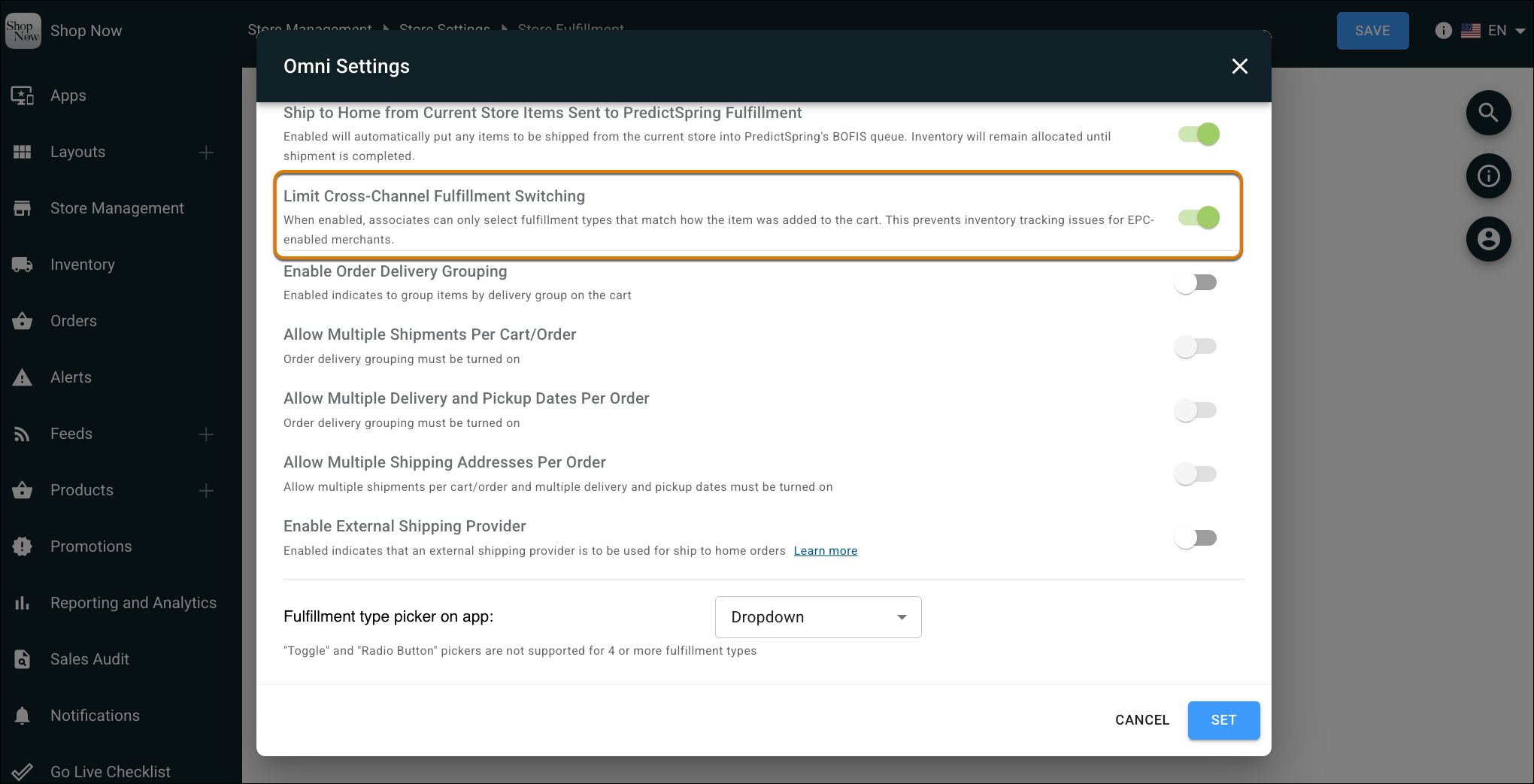
Prevent downstream order errors by locking active carts to their initial fulfillment type. You can configure these restrictions to safeguard complex workflows for made-to-order and off-the-shelf products. You can also receive clear on-screen notifications and resolution paths when the app blocks a restricted transition.
Where: This change applies to Point of Sale.
How: In CMS, go to Store Management | Store Settings | Store Fulfillment. Edit Omni Settings and turn on Limit Cross-Channel Fulfillment Switching.