Customer 360 now displays richer customer information and cross-channel shopping activity. Configure PS tags to show government ID and company details including tax IDs and business addresses. You can also view customer wishlists from your commerce system, and add those items directly to the cart.
Where: This change applies to Point of Sale.
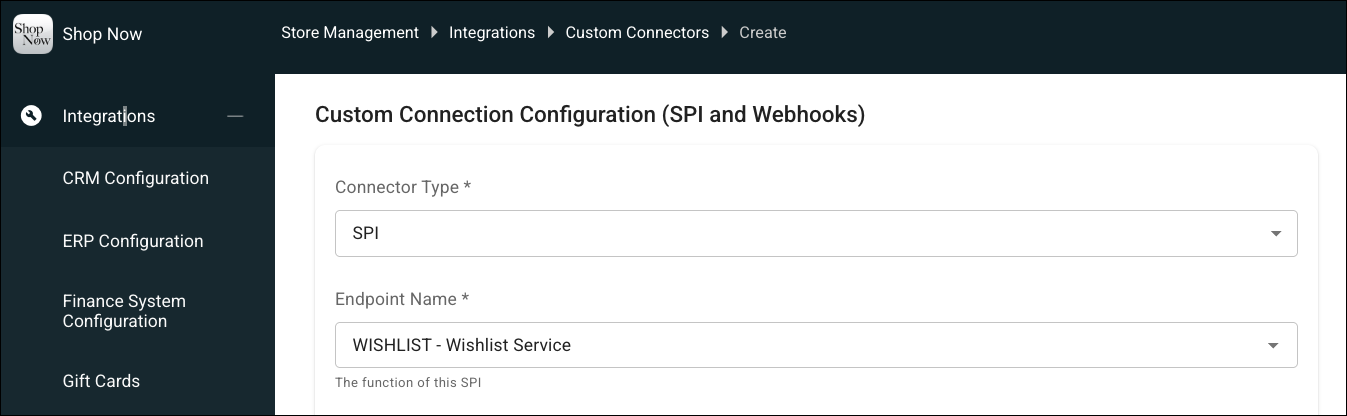
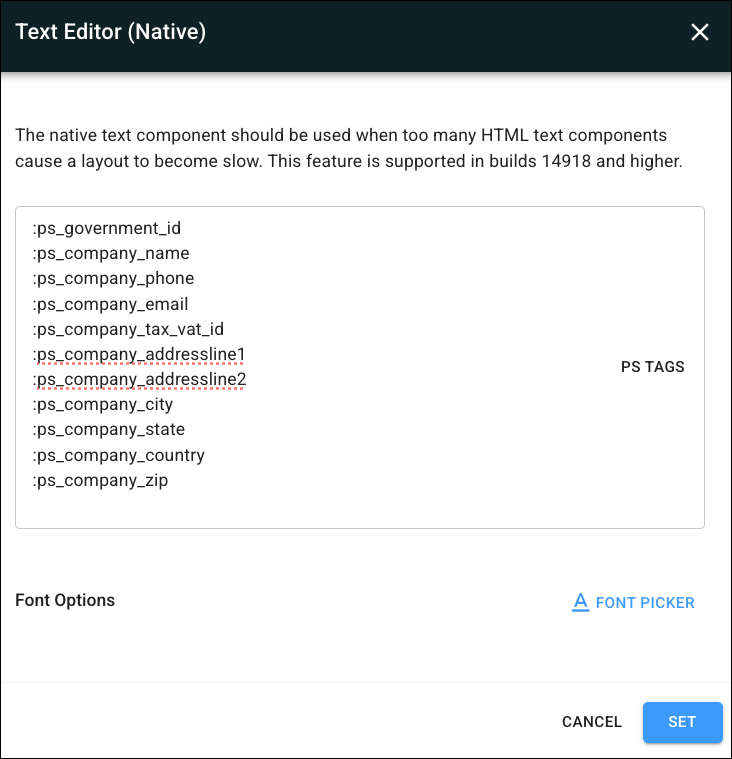
How: To show the customer’s wishlist, go to CMS | Integrations | Custom Connectors and configure the Wishlist SPI. To show the customer’s government ID and company details, go to CMS | Layouts | Layout Pages. Edit a layout and add these PS tags:
- :ps_government_id
- :ps_company_name
- :ps_company_phone
- :ps_company_email
- :ps_company_addressline1
- :ps_company_addressline2
- :ps_company_country
- :ps_company_city
- :ps_company_state
- :ps_company_zip
- :ps_company_tax_vat_id