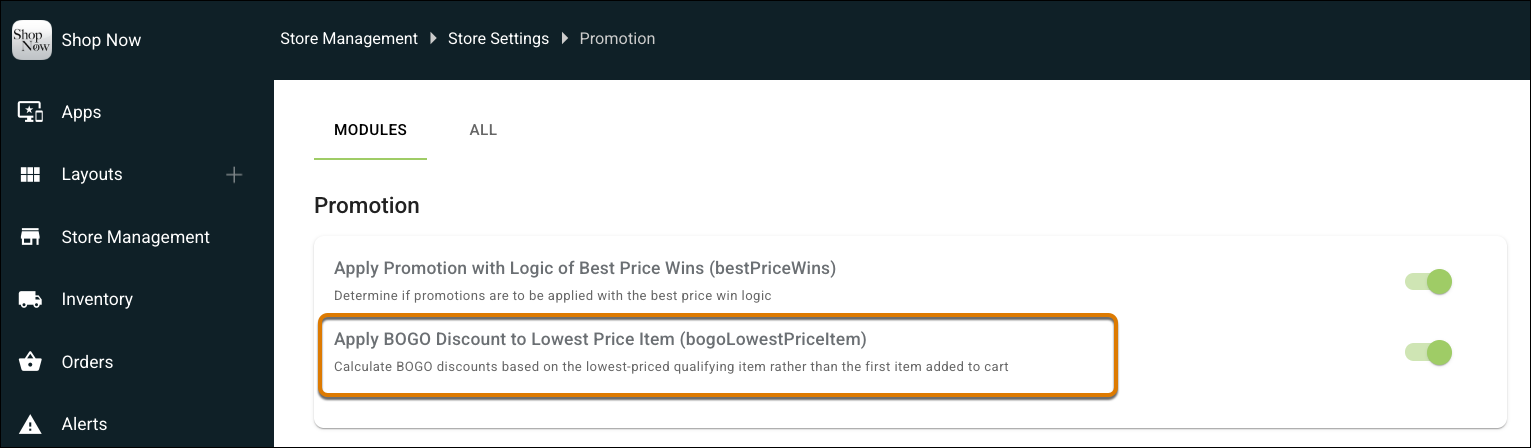
Eliminate pricing inconsistencies at checkout and streamline returns and exchanges by applying Buy One, Get One (BOGO) discounts to the lowest-priced qualifying item in the cart. Previously, the POS applied discounts to the first qualifying item added, which caused pricing discrepancies during returns and exchanges, leading to customer friction and potential revenue loss. Now, the POS automatically calculates the discount based on the lowest-priced qualifying item, ensuring accurate pricing every time, reducing cashier errors, and delivering a seamless customer experience across purchases, returns, and exchanges.
Where: This change applies to Point of Sale.
How: In CMS, go to Store Management | Store Settings | Promotion. Turn on Apply BOGO Discount to Lowest Price Item.