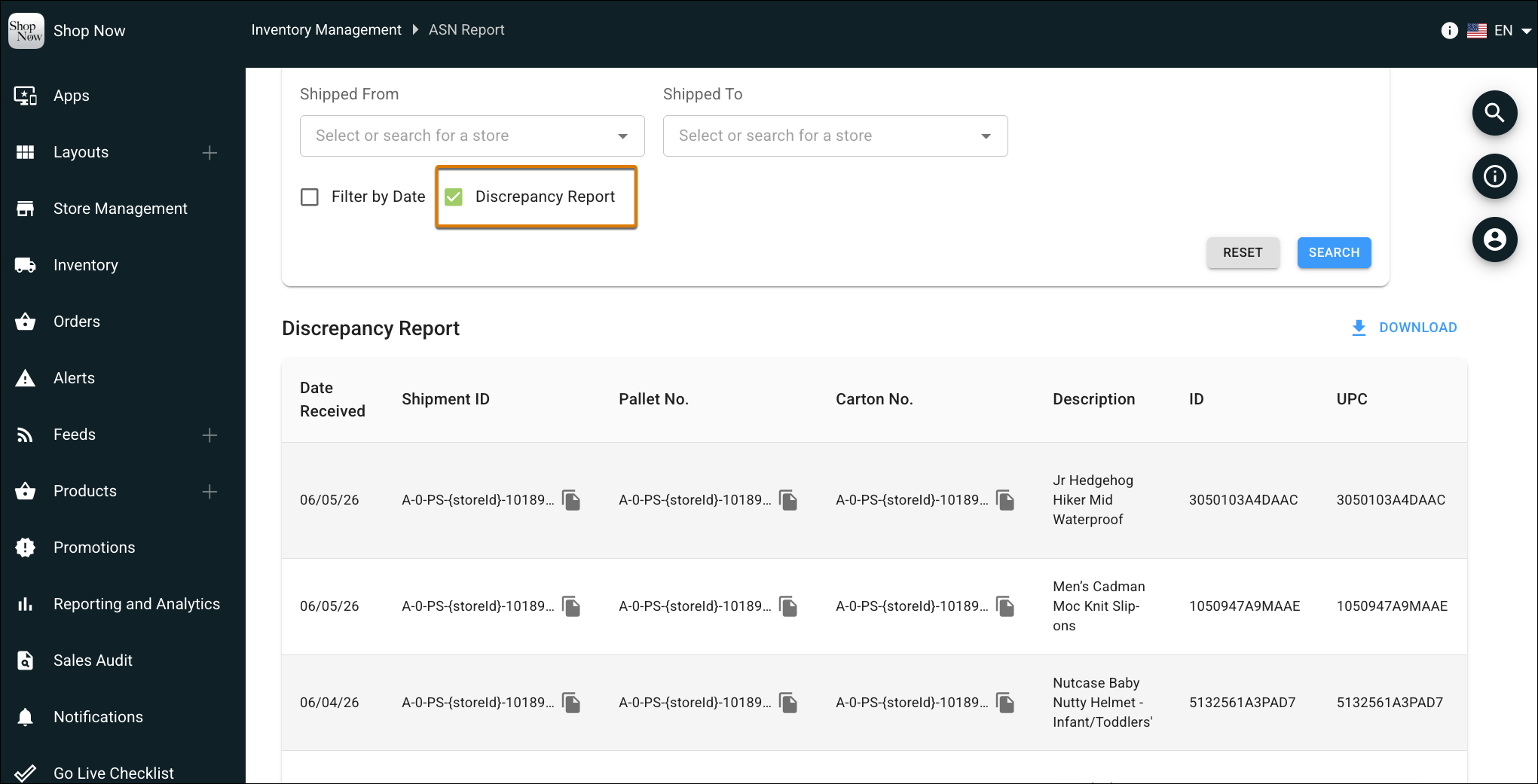
Track and review shipping mismatches directly within the POS app when scanned inventory doesn’t match expected quantities. The receiving discrepancy report highlights short or over counts in red alongside receiving details, dates, and approval tracking. You can also export findings to a CSV file for seamless downstream auditing.
Where: This change applies to Point of Sale.
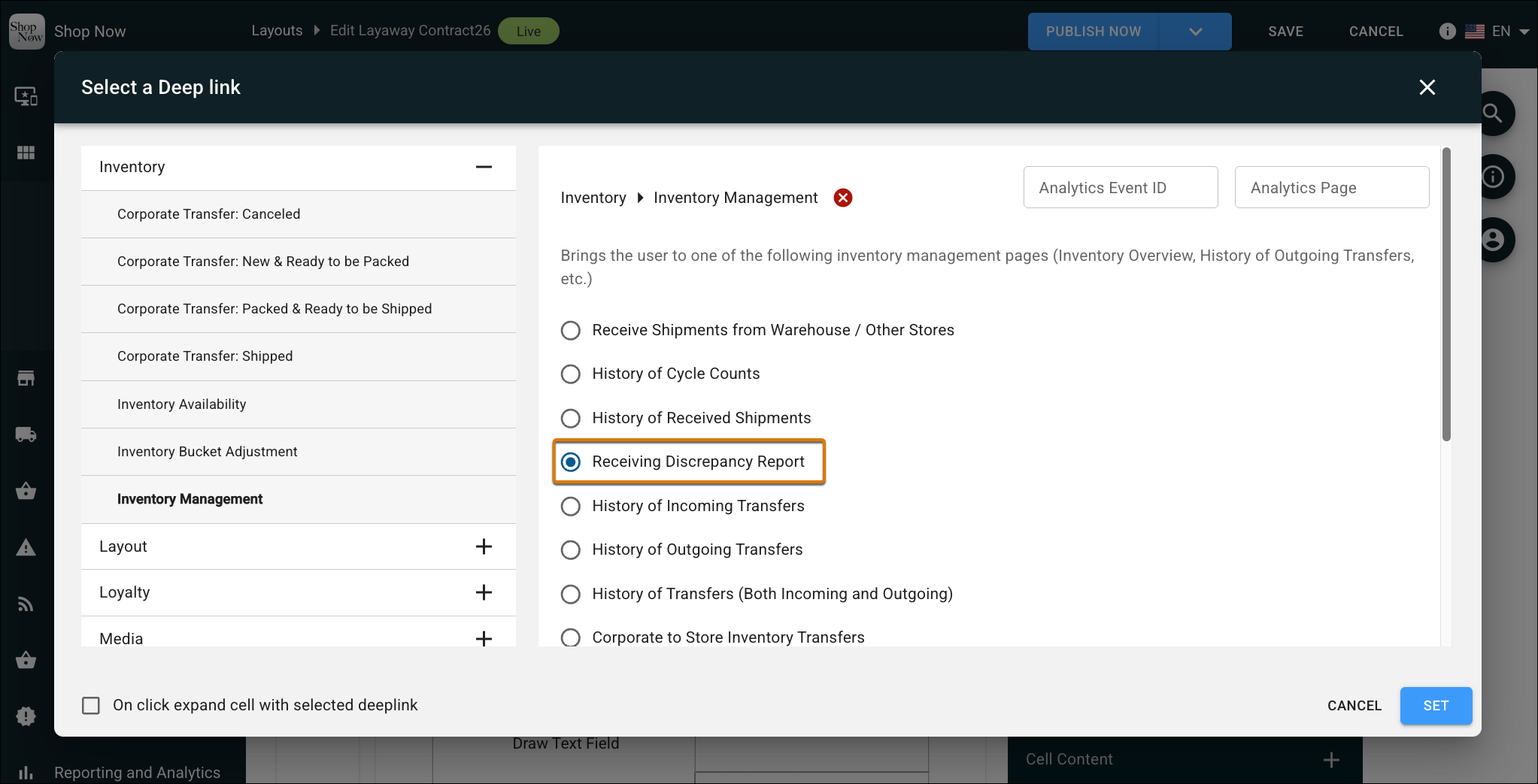
How: To view the report in CMS, go to Inventory | ASN Report. Configure the search fields and check the Discrepancy Report option. To view the report on the POS app, configure the Receiving Discrepancy Report deep link.