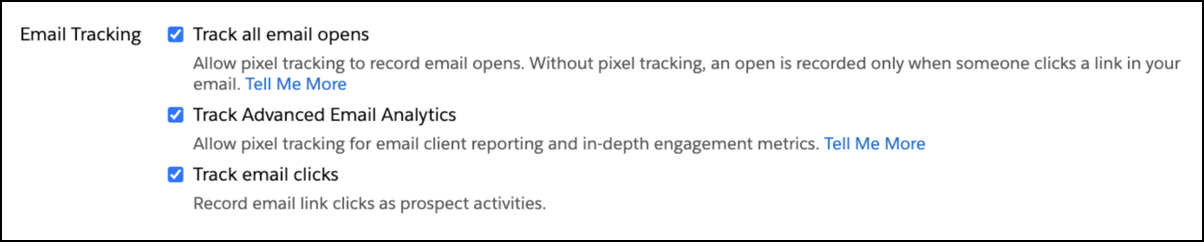
To support evolving tracking and privacy regulations in the EU, you can now control whether email opens or clicks are tracked in the emails you send. Four email tracking settings are now available on the Account Engagement Settings page for each business unit. Choose whether to enable or disable tracking on opens, implied opens, links, or advanced metrics.
Where: The link and open settings are available to all Account Engagement editions. The Advanced Email Analytics setting is available in Marketing Cloud Account Engagement Plus, Advanced, and Premium editions, as well as Growth edition with the add-on.
How: Open the Account Engagement Settings page and find the Email Tracking section. Deselect an option to disable that type of tracking in your business unit.