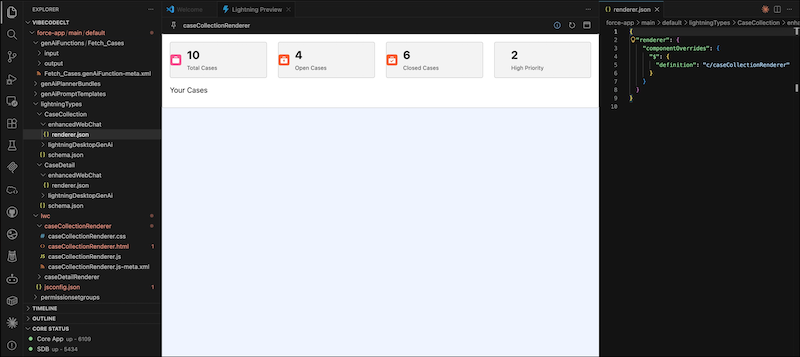
You can now use Live Preview to see Lightning web components in real time when building custom UI editors and renderers for Lightning types. With the Salesforce Live Preview extension in VS Code, you can preview and test UI changes directly in your workspace.
Where: This change applies to Lightning Experience in Enterprise, Performance, Unlimited, and Developer editions.
When: This feature is available starting the week of June 8, 2026.
How: In VS Code Explorer, right-click the editor.json or renderer.json file in your Lightning type bundle, then select SFDX: Open in Lightning Preview. The preview refreshes automatically each time you save updates to your component code.