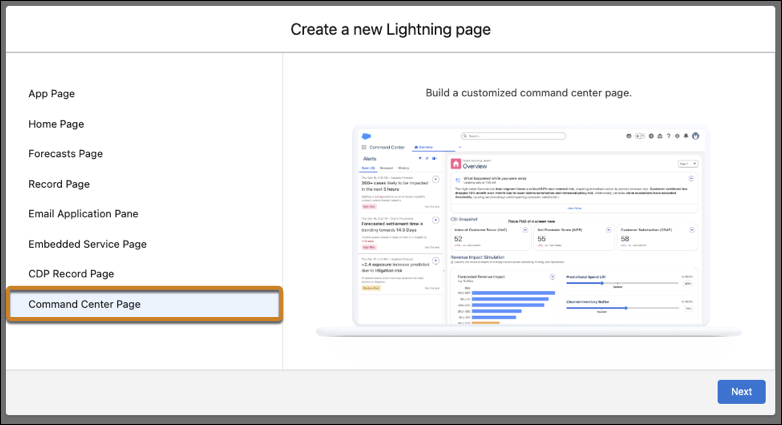
Build role-specific Command Center experiences with the new Command Center Page. Assign pages to user groups, customize by profile, and use grid layouts. Create multiple specialized pages within a single app, unlike standard home pages which are limited to one per app.
Where: This feature is available for Enhanced Omni-Channel customers. To enable this feature for your organization, contact Salesforce.
How: Launch the Lightning App Builder from Setup and create a page using the Command Center Page type. Give it a name and select the Command Center app tab for the new page. Select a template and click Done. Add components to page regions and save the page. During activation, select profiles, then assign the page to specific user groups associated with the selected profiles.