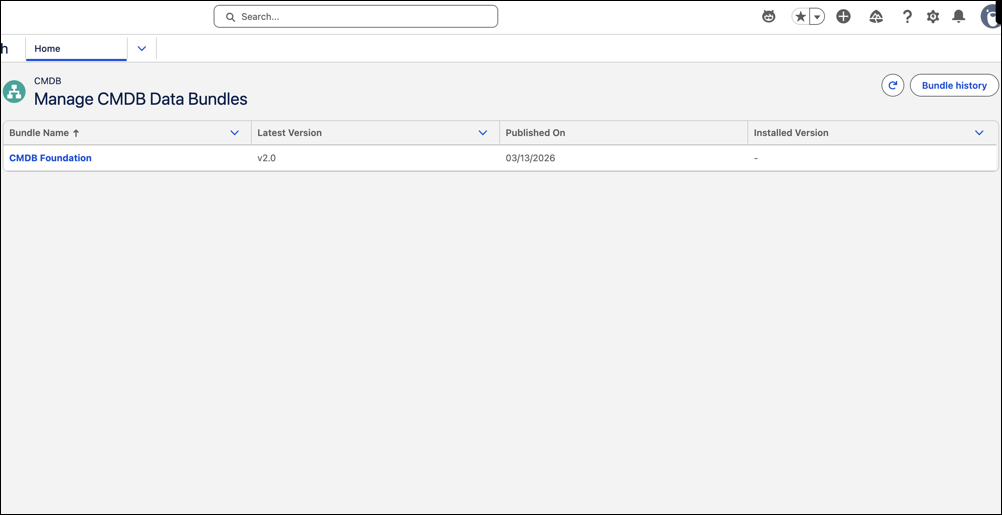
Stay up to date with the latest CMDB configuration model by reviewing available data bundle versions. Upgrade setup data when new versions are available to keep configuration item types, attributes, and relationships current.
Where: This change applies to Lightning Experience in Unlimited, Enterprise, and Performance Editions with Agentforce IT Service where Salesforce CMDB & Service Graph is enabled.
Who: To install and manage CMDB data bundles, users must have the IT Service Configuration Item Type Manager permission.
Why: Maintaining CMDB setup data manually is time-consuming and error-prone. Data bundles provide a structured way to manage configuration models, apply updates, and adopt industry-specific extensions.
How: From the Salesforce CMDB & Service Graph app, go to CMDB Data Bundles under CMDB in Administration. View available bundles, select the required version, and install or upgrade the bundle. Review dependencies and version details before installation.