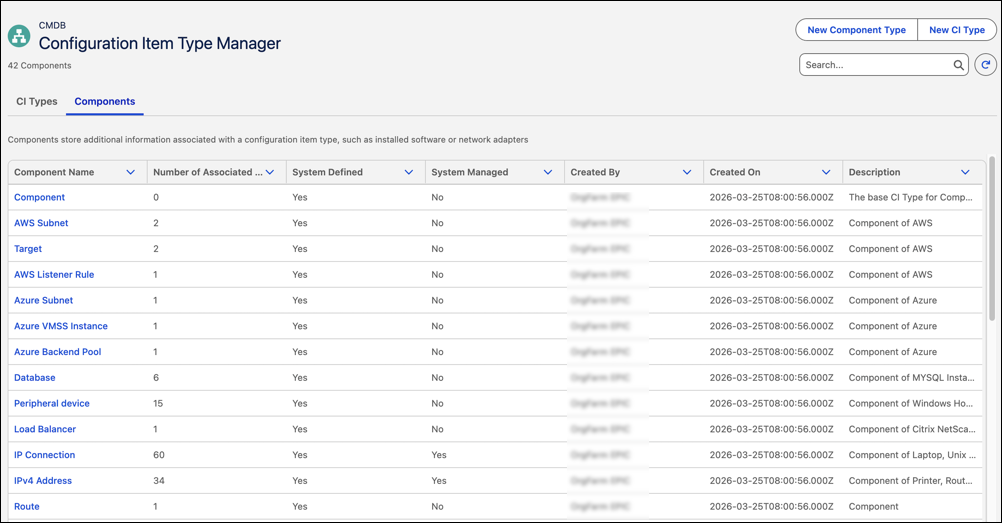
Define and manage components for configuration item types to represent complex infrastructure relationships. Use the components tab in CI Type Manager to associate related components with parent CI types. Model dependencies and structure more accurately to support discovery, relationship mapping, and impact analysis across your CMDB.
Where: This change applies to Lightning Experience in Unlimited, Enterprise, and Performance Editions with Agentforce IT Service where Salesforce CMDB & Service Graph is enabled.
Who: To configure CI components, users must have the IT Service Configuration Item Type Manager permission.
Why: Real-world infrastructure often includes dependent and nested components. Component modeling helps represent these relationships accurately and improves impact analysis and service visibility.
How: From the Salesforce CMDB & Service Graph app, go to CI Type Manager under CMDB in Administration. Use the Components tab to define and manage associated components.