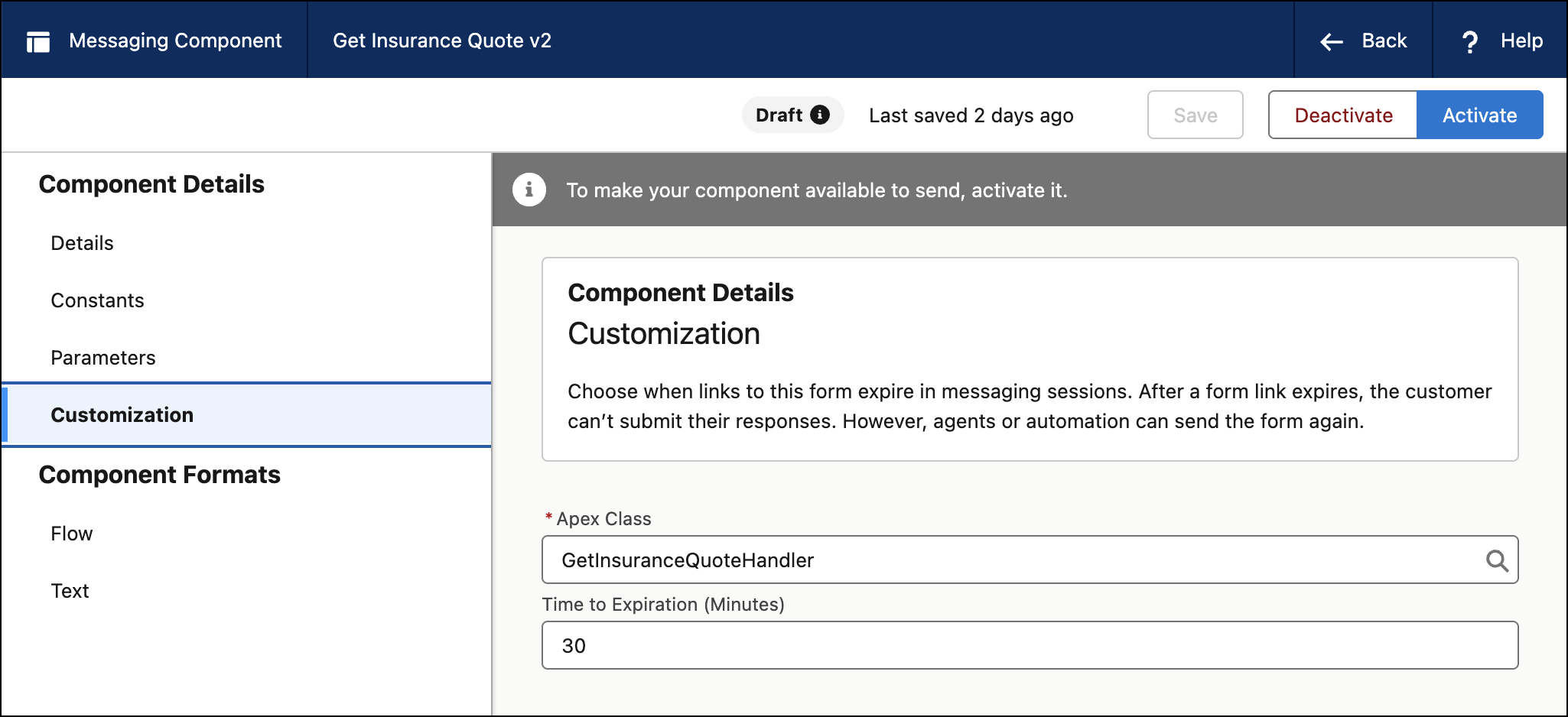
Give admins control over how long a form-based messaging component sent by a dynamic Flow with an Apex class stays active before it expires. You can now set a custom expiration timer per component directly in Messaging Component Builder. Previously, the expiration timer was available to form-based messaging components that used a Global Action, but not to form-based messaging components that used an Apex class. These Apex-based components previously had a hardcoded 5-minute expiration.
Where: This change applies to enhanced Service WhatsApp and Unified WhatsApp channels. View required editions.
When: This change goes live on June 15, 2026.
How: To extend the expiration time of a form-based component sent by WhatsApp dynamic Flows with an Apex class:
From Setup, open Messaging Component Builder and select or create a form-based messaging
component that's configured for WhatsApp dynamic Flows using an Apex class. In the
component settings, select Customize, and enter a value for the
expiration timer. Save your changes.