
Select the model that gives your subagent the best balance of speed and reasoning depth for its specific job. For example, a subagent that performs simple tasks can run on a smaller model and one that manages complex tasks can use a larger one. Previously, you could only set a model for a subagent with Agent Script.
Where: This change applies to Lightning Experience in Enterprise, Performance, Unlimited, and Developer editions with Foundations or Agentforce 1 editions.
When: This change is available starting the week of June 29, 2026.
How: Open an agent in Agentforce Builder and then select a subagent from the Explorer
panel. On the subagent’s page in Canvas view, click  or enter / and then select Model Override.
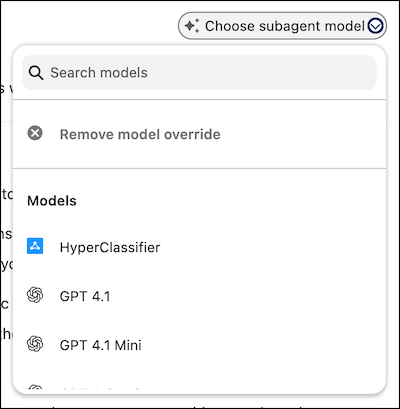
Select a model from the dropdown.
or enter / and then select Model Override.
Select a model from the dropdown.
By default, every agent and subagent uses the model specified on the Einstein Audit, Analytics, and Monitoring Setup page.