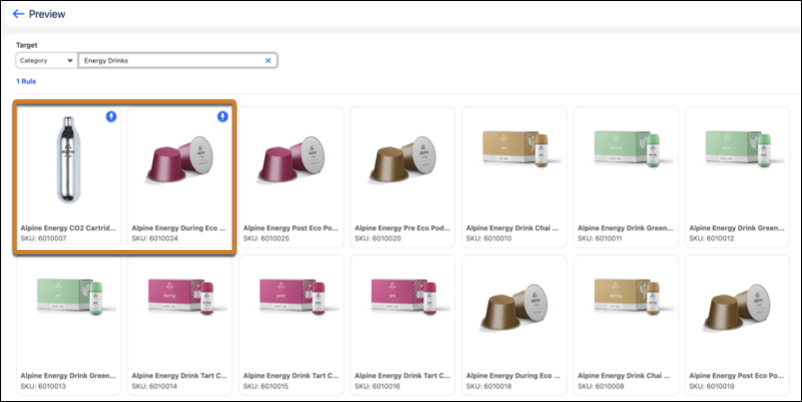
Control which products appear first on your B2B category pages. Manually pin a product to a fixed position on a category page so that it always appears in the order you want regardless of algorithmic sorting.
Where: This change applies to B2B Commerce in Enterprise, Unlimited, and Developer editions.
How: From your store, select . Create a rule for category type, select the Pin configuration, and assign up to 10 products. Order the products and save the rule. Preview your rule to see how it affects product positioning.