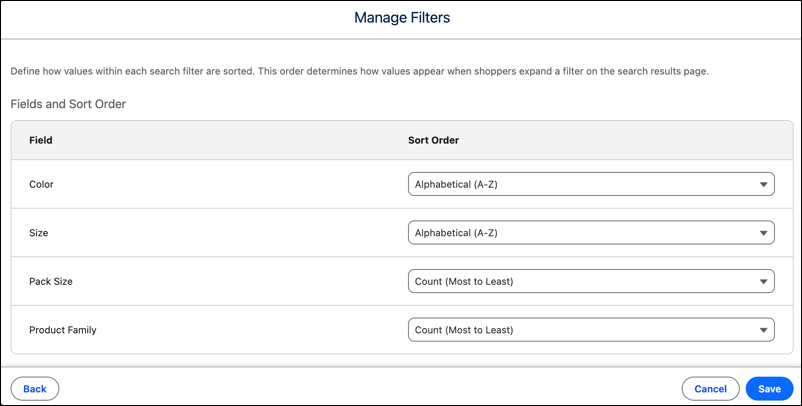
Control how filter values appear to buyers on search results and category pages by configuring the sort order for each facet. Alphabetize attributes that buyers typically search for, such as color or brand. Use a count-based order when surfacing the categories with the highest product counts helps buyers find products faster.
Where: This change applies to B2B Commerce in Enterprise, Unlimited, and Developer editions.
How: In search settings, go to the Results Filters tab. Click Manage Filters, select the facets, and then select a sort order for each facet.