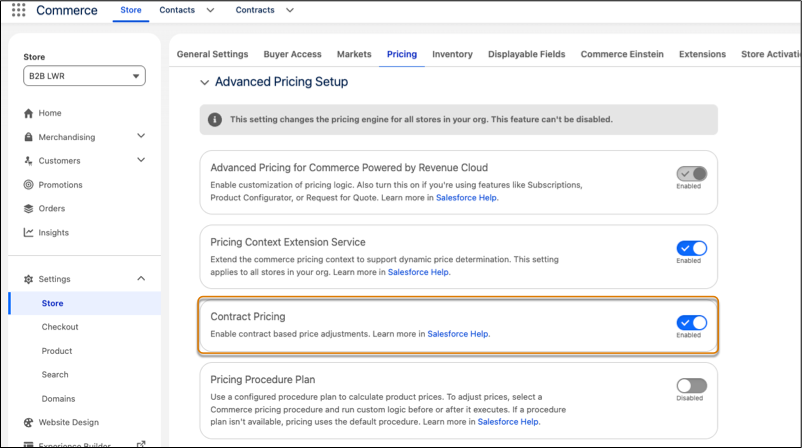
Show negotiated contract prices directly in your B2B store. Buyers with contracts see their negotiated rates, while other buyers continue to see standard prices. Buyers can independently complete purchases at contract prices, minimizing pricing discrepancies and the need for sales rep intervention.
Where: This change applies to B2B Commerce in Enterprise, Unlimited, and Developer editions with Revenue Cloud Advanced Edition.
How: Enable Advanced Pricing for Commerce, and then turn on Contract Pricing. Create contracts for buyer accounts, add product prices, and activate the contract. Then, in Setup, refresh the Contract Pricing Entries decision table.