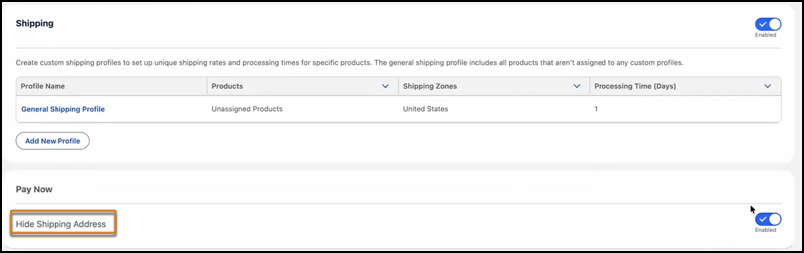
Make it easier for your buyers who are purchasing services and digital goods to checkout by asking only for the necessary information, such as billing details. The payment page now dynamically hides shipping address fields for purchases that don’t require a shipping address.
Where: This change applies to Essentials, Pro Suite, Professional, Enterprise, Unlimited, and Developer editions where Pay Now and Commerce are enabled.
How: From your store’s home page, click Checkout. Under Pay Now, turn on Hide Shipping Address.