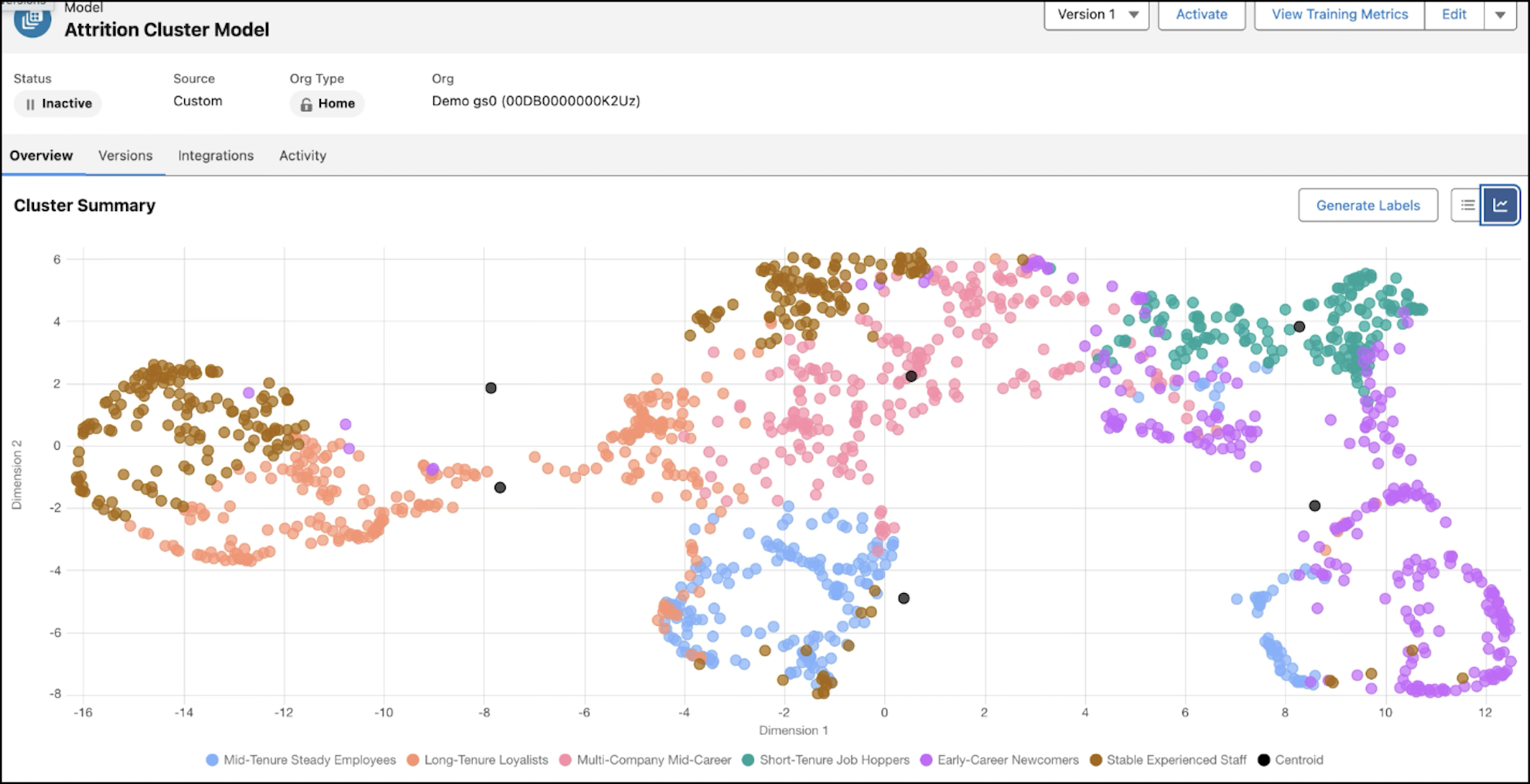
Go beyond basic segmentation with clustering models in Data 360. Automatically group customers, uncover patterns in structured data, and validate results with built-in metrics.
Where: This change applies to Lightning Experience in Enterprise, Performance, Unlimited, and Developer editions.

When: This functionality is available starting in May 2026.
Why: Unlike traditional classification models that rely on predefined labels, clustering dynamically identifies emerging trends to drive finer segmentation, smarter pricing, and targeted personalization. Generate user-friendly labels based on custom instructions, such as use case, domain, or industry. Evaluate model quality before activation by using advanced training metrics, and build trust through built-in explainability.
How: To use clustering, go to Data 360 Feature Manager and turn on Clustering (Beta).
From the AI Models tab in Data 360, select Cluster to create a clustering model. To use the activated model’s outputs, go to the Integrations tab of the model details, and then configure a predict job.