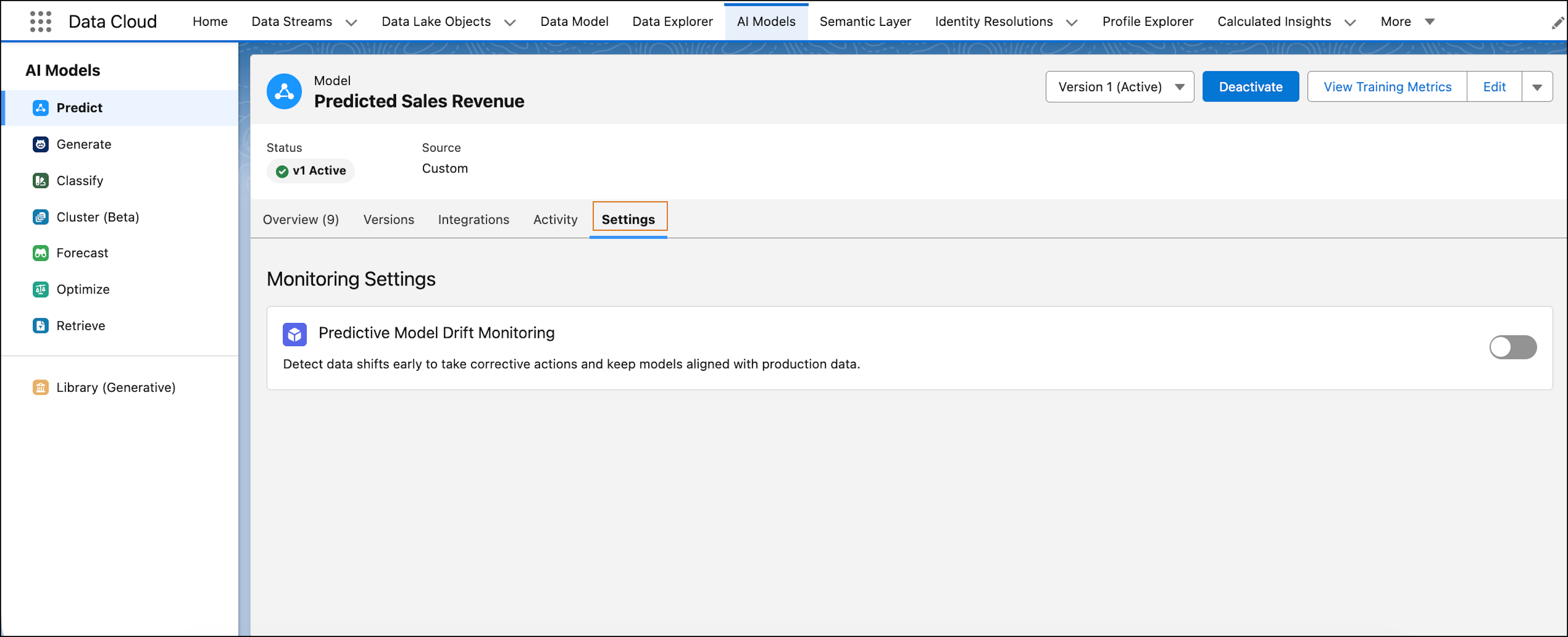
Use predictive model drift monitoring (beta) in Data 360 to track deviations in live inferences compared to training data. You can detect shifts, understand contributing variables, and retrain a model before accuracy drops.
Where: This change applies to Data 360 in Enterprise, Performance, Unlimited, and Developer editions.

When: This functionality is available starting in May 2026.
Why: Monitor predictive model performance before it impacts outcomes. Because true accuracy requires actual results, use model drift as a proxy metric and early indicator to detect potential degradation and take corrective action.
-
Monitor how the distribution and values of live inferences change over time compared to training benchmarks.
-
Track the distribution of generated predictions to identify sudden shifts.
-
View visualizations of high-level drift stats, trend charts, and feature-specific breakdowns.
-
Take immediate corrective action by triggering manual or automated model retraining.
How: To track drift, from the Data 360 Feature Manager, turn on Predictive Model Drift Monitoring (Beta).
Go to the AI Models tab, and select Predict. To view drift activity for an activated binary or regression model, select the model and turn on the drift setting. This setting provides an audit trail and saves specific model metrics before Data 360 retrains it.