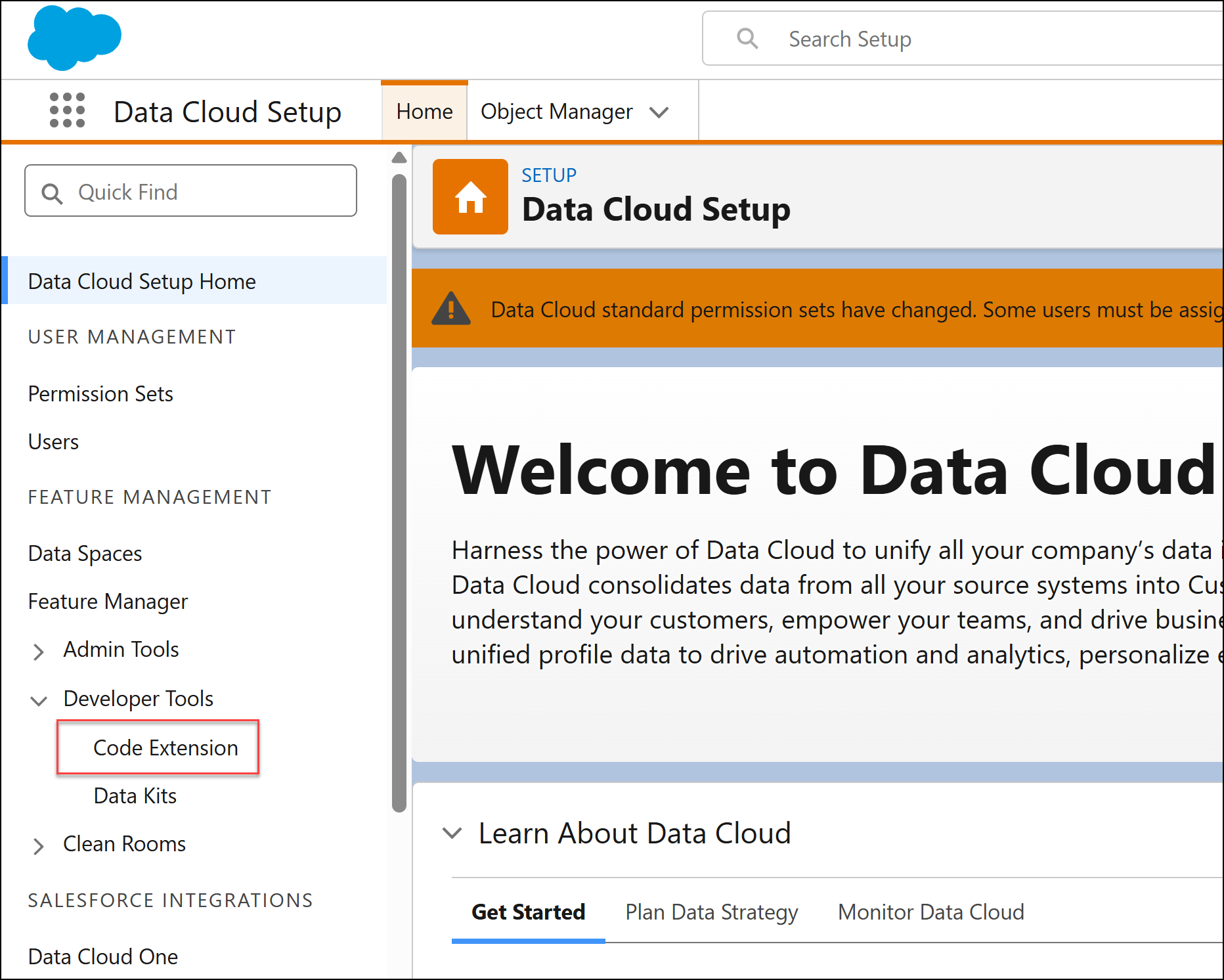
Code Extension is now part of Data Cloud Setup, under Developer Tools. Previously, it was a separate tab in Data 360.
Where: This change applies to Data 360 Enterprise, Performance, Unlimited, and Developer editions. Not available in Government Cloud.
When: This feature is available starting in July 2026.
How: To access Code Extension, go to Data Cloud Setup, and under Developer Tools, select Code Extension.