Support reps can now use a rich text editor to capture detailed problem statements with ease. Reps can add images, format text with bullets and numbering, and include tables or URL links directly within the case description. These enhanced descriptions provide better context for Service Assistant and Case Summary to generate accurate results.

Where: This change applies to Lighting Experience in Developer, Enterprise, Unlimited, Performance, and Professional editions.
Why: Standard plain text descriptions often truncate content or lose important formatting and images from email-to-case submissions. By using the rich text area, your reps reduce back-and-forth communication with customers, which helps lower average handle time and time to resolution.
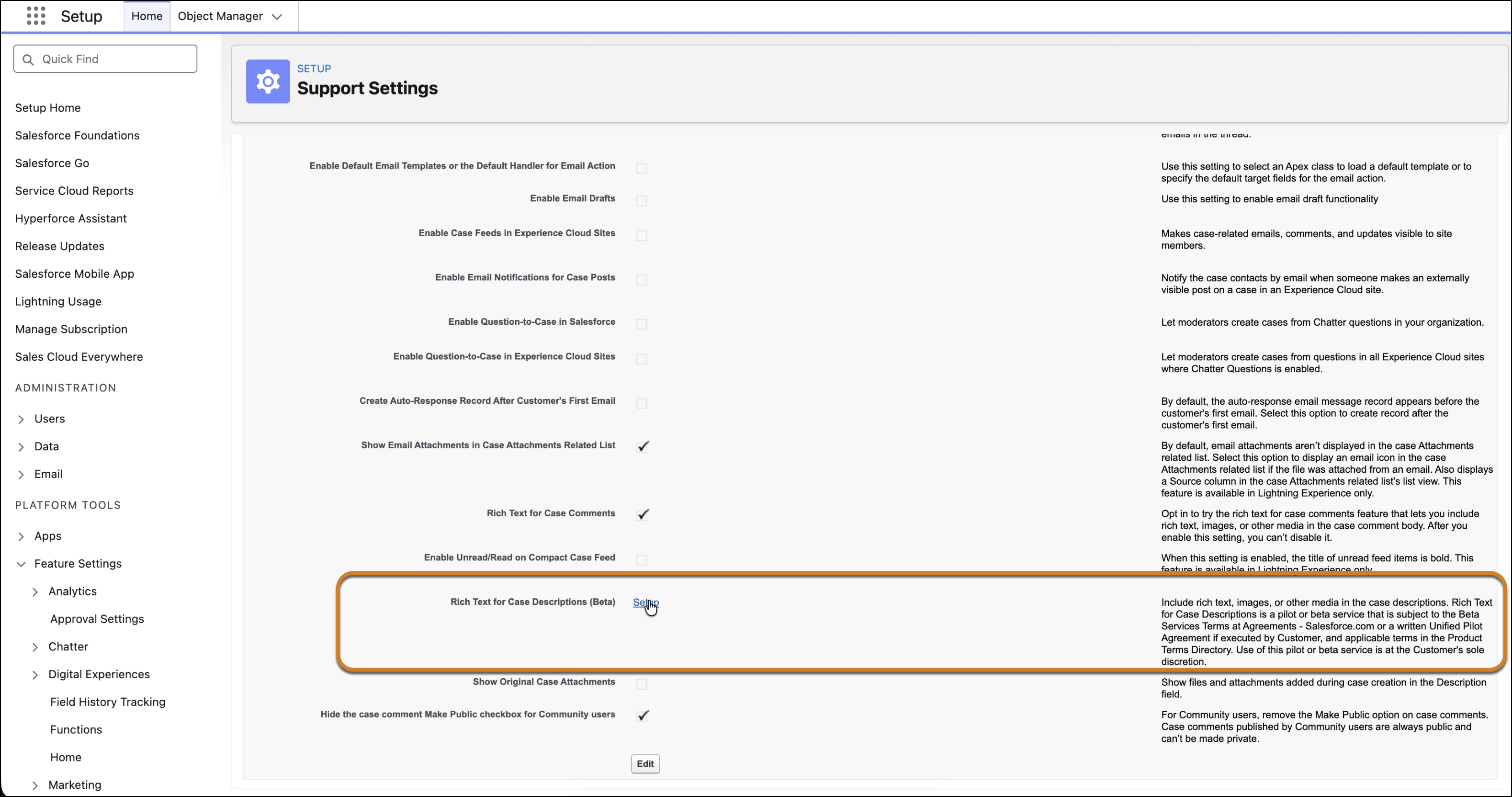
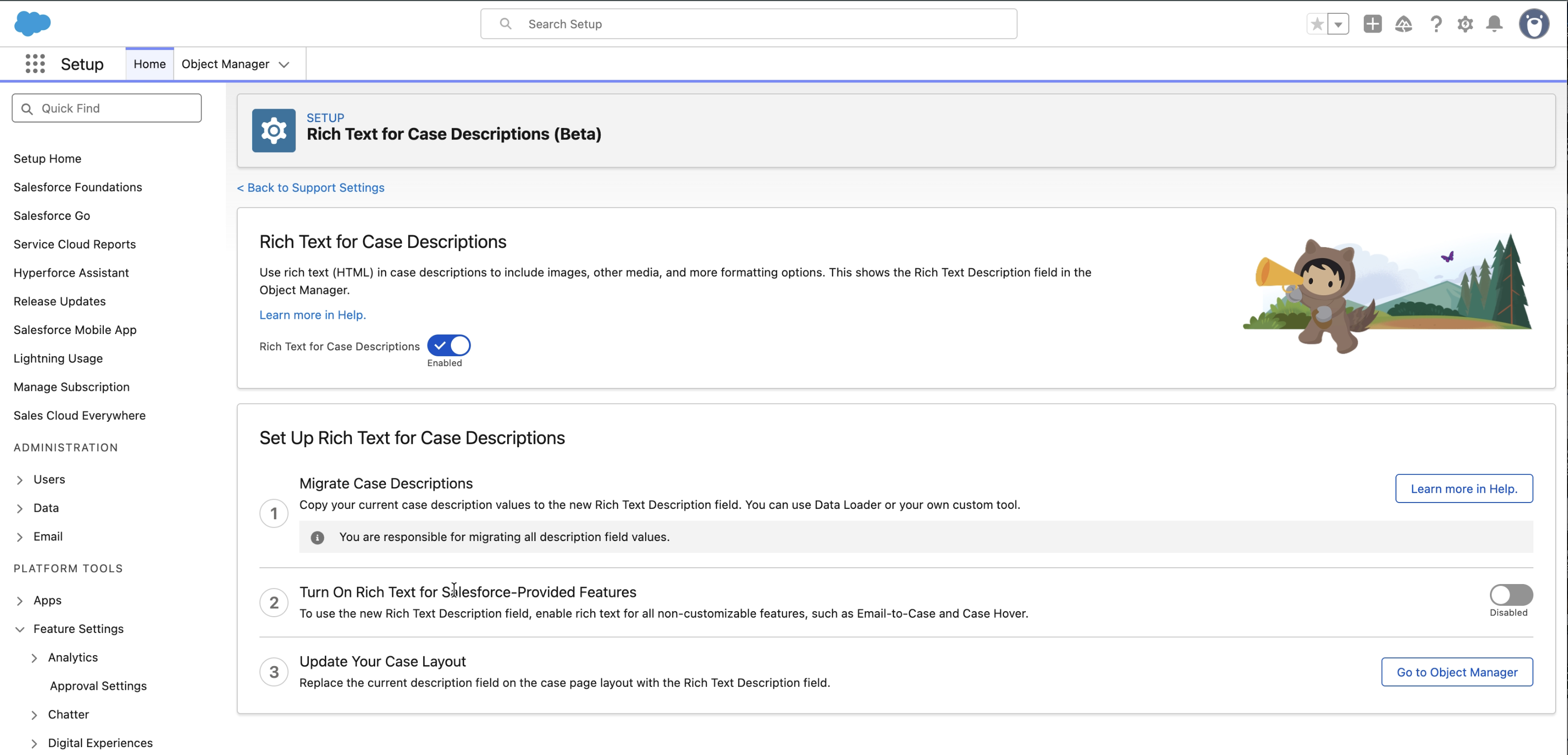
How: In Setup, search for Support Settings and select Support Settings. In the Support Settings page select the Setup link for Rich Text for Case Description. In the Rich Text for Case Description window, turn on Rich Text for Cases Description. Follow the instructions on the page to complete the setup.