Help your reps maintain a clean database and increase productivity by identifying and consolidating duplicate cases. Create custom matching rules that will help you surface potential cases for case merge proactively on case load. Add the Duplicate Cases lightning web component to the case page so your reps can also see and act on real-time suggestions directly from the case page

Where: This change applies to Lightning Experience in Enterprise, Performance, Unlimited, and Developer editions.
Why: Manual duplicate management often requires reps to sift through massive lists of open cases, which leads to human error and fragmented customer histories. Your reps can merge cases from the case page to move from reactive cleanup to proactive prevention.
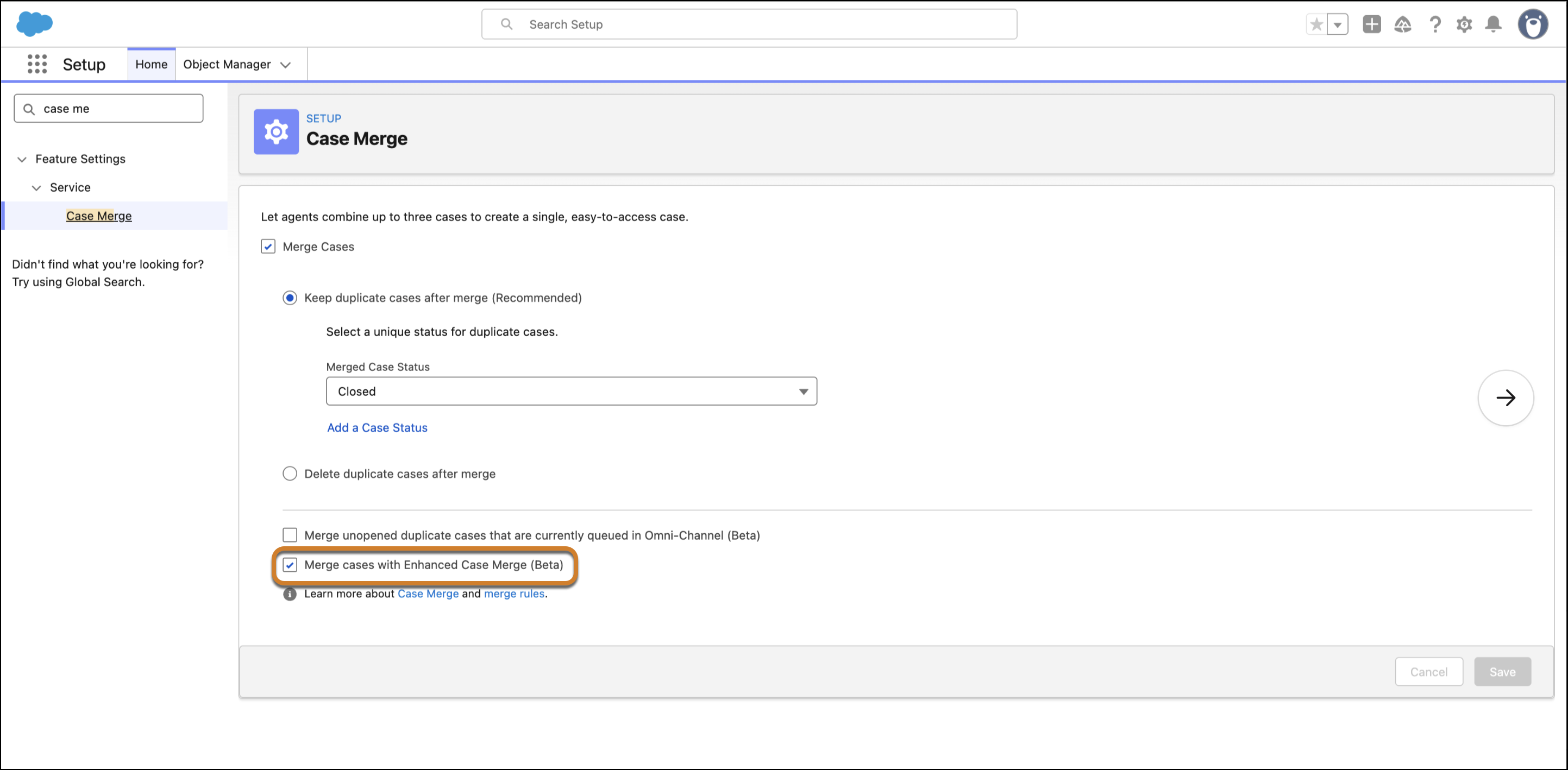
How: Contact Salesforce to enable the feature. In setup, search for Case Merge and Select Case Merge. In the Case Merge window select the Merge Cases with Enhanced Case Merge checkbox. You can create and manage custom matching rules for the Case object, using a combination of standard and custom fields. To show suggestions to your agents, add the Duplicate Cases lightning web component to the Case record page. This update also allows you to set specific conditions for when a merge rule executes.