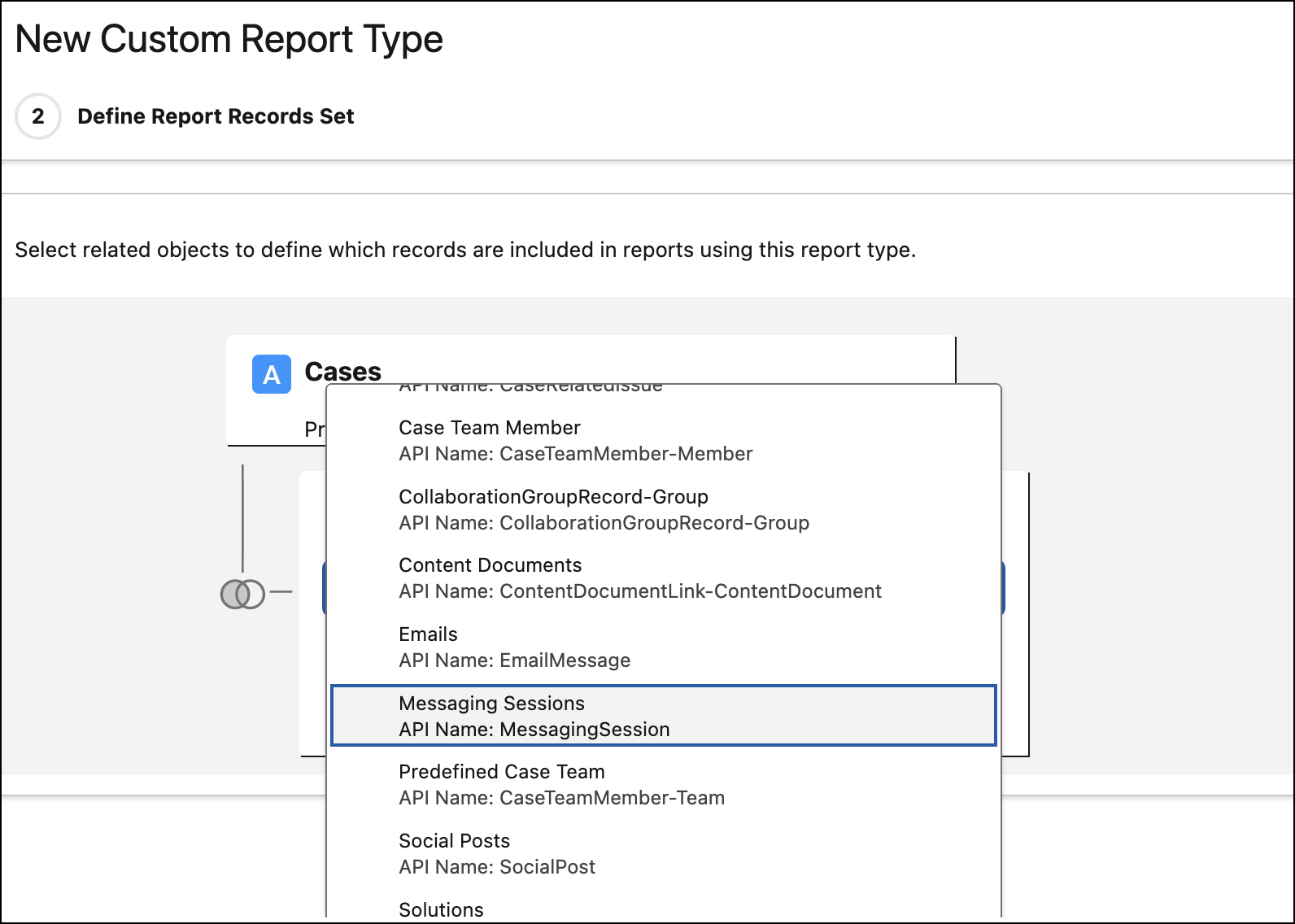
Select Messaging Sessions as a related object on the Cases object in a custom report type. Previously, you couldn’t view messaging sessions per case using a custom report type.
Where: This change applies to Enhanced Messaging channels and Enhanced Chat. View required editions.
How: In the Custom Report Types Builder, select Cases as the primary object and fill out the rest of the report type details. On page 2 of the builder, choose Click to relate another object, and select Messaging Sessions. Finish building your report.