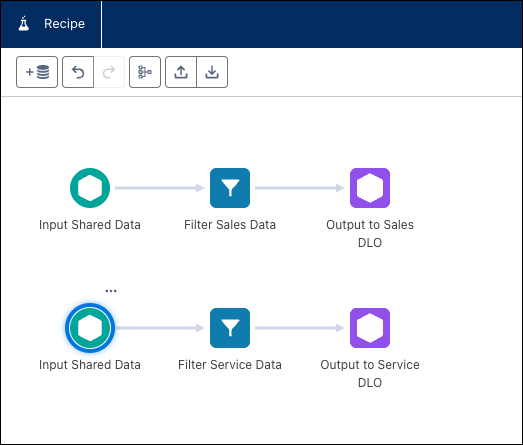
Consolidate your data prep processes by writing to multiple Data 360 data lake objects (DLO) in a single CRM Analytics recipe. Minimize issues with recipe run limits by consolidating your data prep into one recipe. For example, input your data and use filter nodes to write two distinct, filtered subsets, one to the Marketing DLO and one to the Sales DLO, in a single recipe execution. This reduces complexity and keeps your transformations organized.
Where: This change applies to CRM Analytics in Lightning Experience and Salesforce Classic. CRM Analytics is available for an extra cost in Enterprise, Performance, and Unlimited editions.
How: In the CRM Analytics recipe editor, ingest your data and add filter nodes. Then output your transformed data to multiple output nodes. Each output node writes to a unique Data 360 DLO.